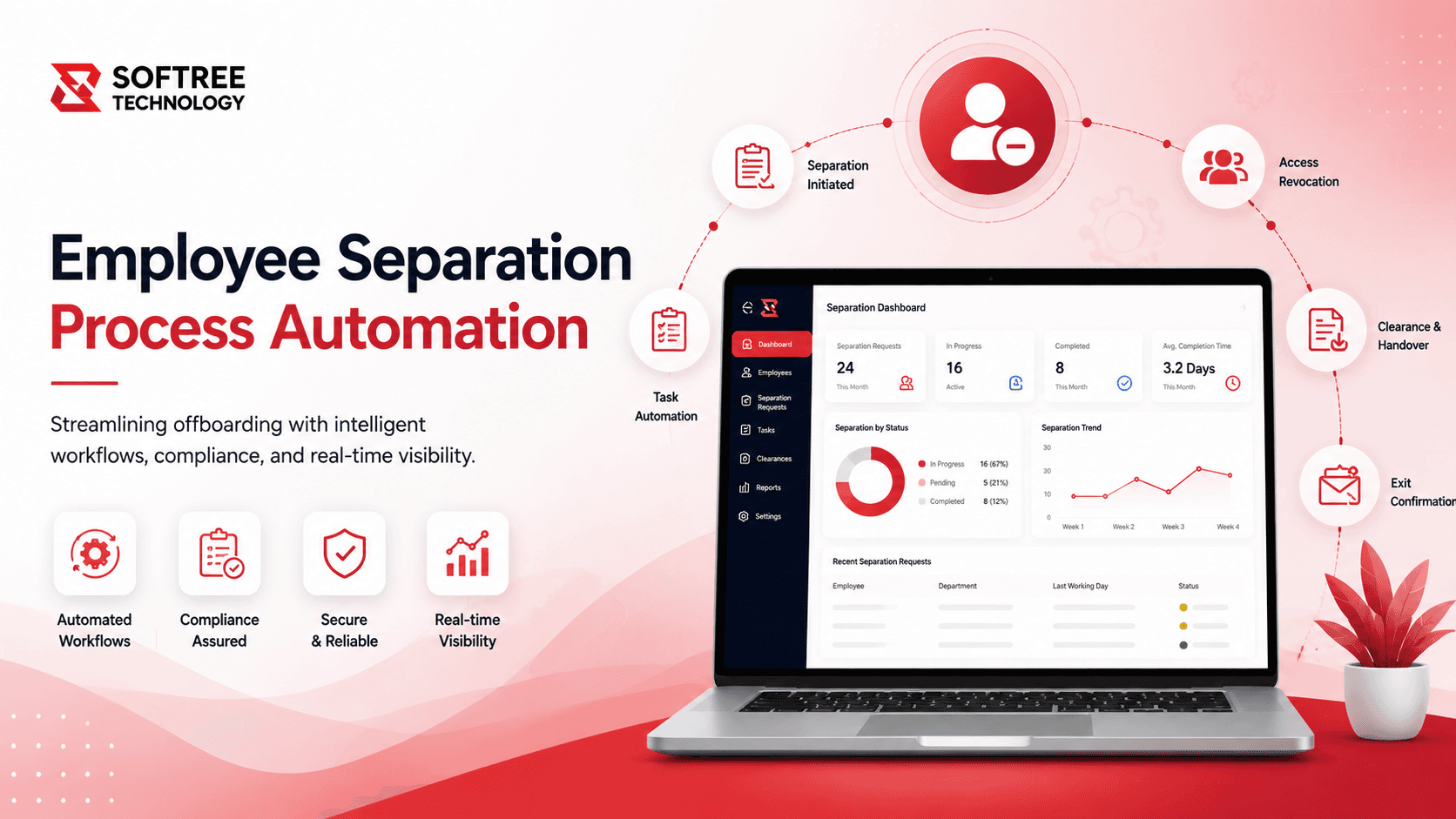
Employee Separation Process Automation
Migrated a critical employee separation workflow from SharePoint Designer to Power Automate, reducing manual intervention by 60% and eliminating legacy dependencies.
Business Process Challenges
The U.S.-based federal government agency was using a legacy SharePoint Designer 2013 workflow to manage the employee separation process. Because the workflow was responsible for time-sensitive notifications, compliance checks, and status tracking across multiple stakeholders, its limitations created operational and compliance risks.
The existing workflow had become increasingly difficult to maintain as business logic grew more complex. Nested conditions and string-based date handling made changes harder to implement and increased the risk of workflow failures.
Key Challenges
- Fragile workflow logic — Complex nested conditions and string parsing made the workflow difficult to maintain.
- Deprecated technology — SharePoint Designer 2013 was end-of-life, leaving the organization without a future support, security, or scalability path.
- Poor observability — Limited debugging capabilities and the absence of centralized run history made monitoring, troubleshooting, and auditing difficult.
- Unreliable notifications — Email logic was tightly coupled with workflow state, creating inconsistent and unreliable notifications.
The organization therefore needed to move away from the legacy workflow while preserving the existing employee separation process and improving its reliability, maintainability, monitoring, and scalability. The modernization also needed to support accurate separation dates, reminder triggers, status synchronization, and business-rule-based notifications.
Our Strategic Approach
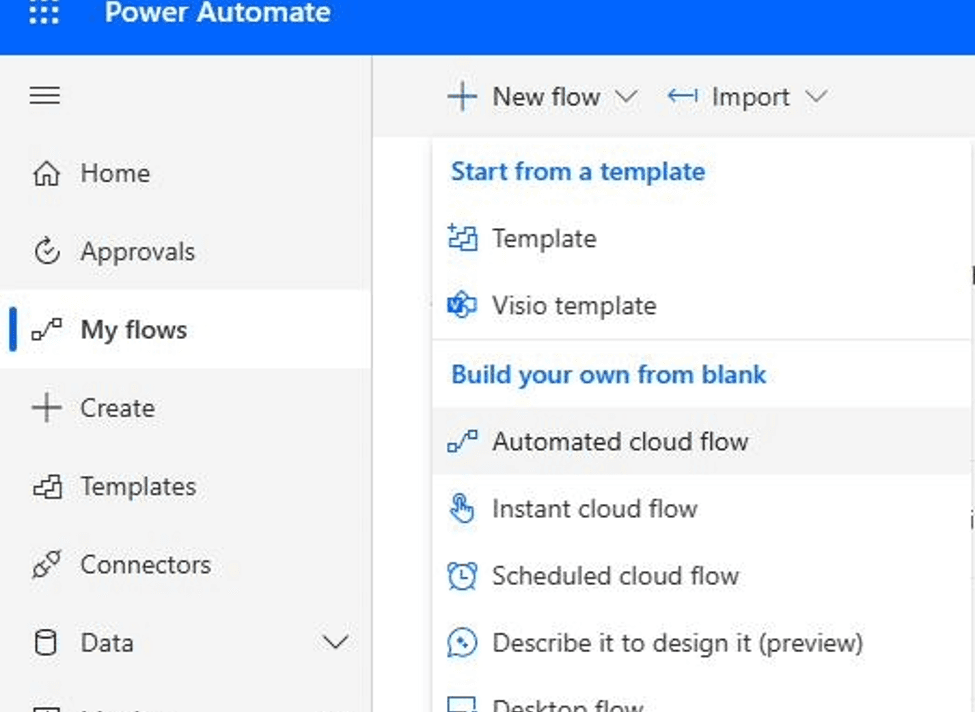
Softree modernized the legacy SharePoint Designer 2013 employee separation workflow by migrating it to Microsoft Power Automate, creating a supported, modular, and easier-to-maintain automation architecture.
The solution was implemented through six structured phases:
Solution Highlights
- Power Automate Migration — Replaced the deprecated SPD 2013 workflow with a cloud-based Power Automate flow.
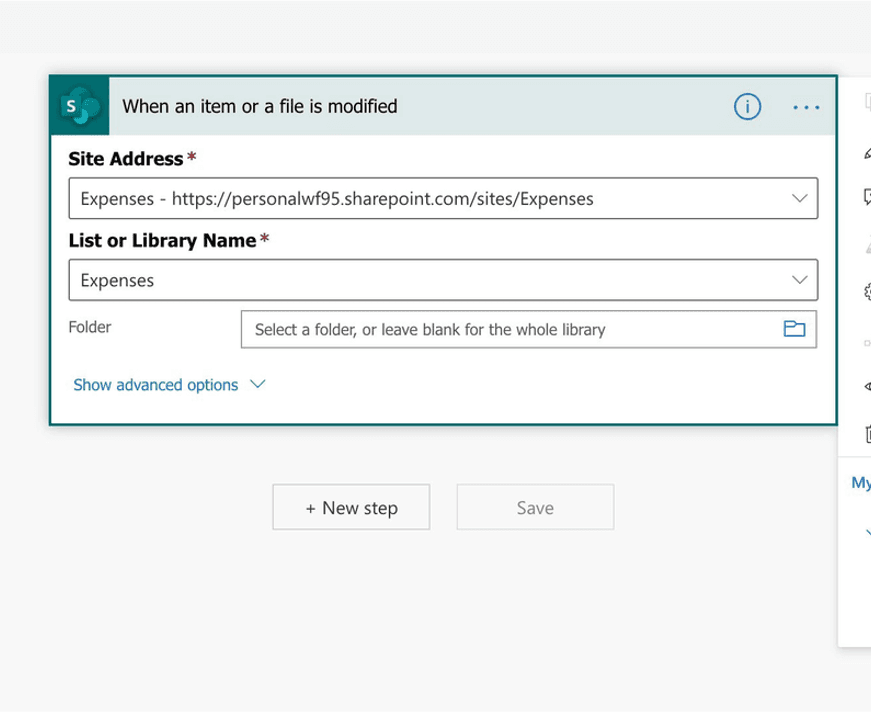
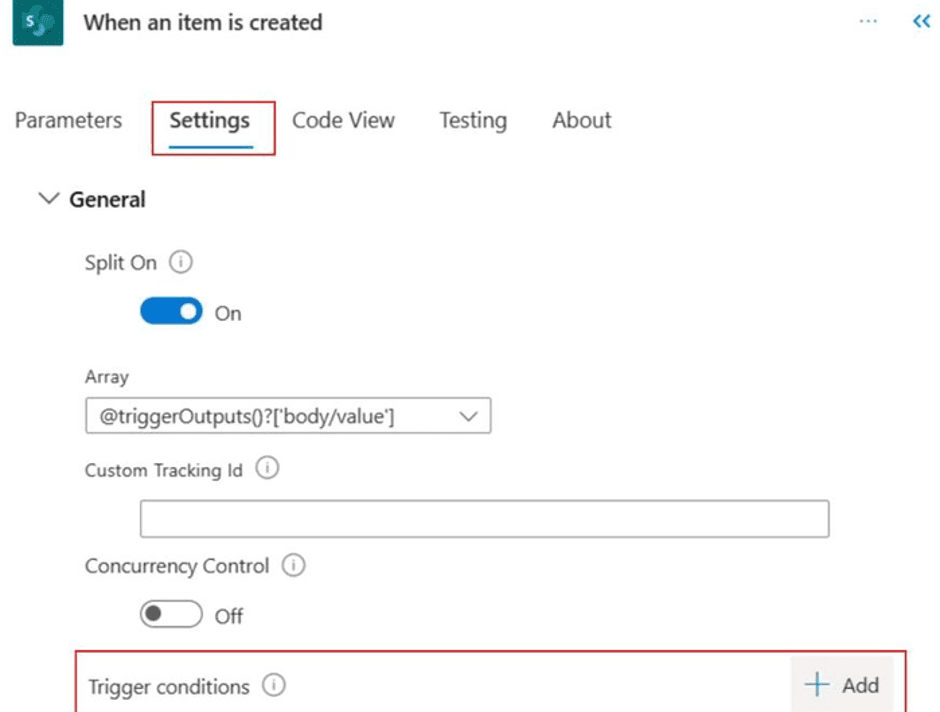
- Workflow Trigger — The automation starts when an item is created or modified in the SharePoint Employee Separations list.
- Variable Initialization — Defined variables for email processing, current date, separation date, reminder date, and workflow status flags.
- Accurate Date Handling — Replaced fragile string parsing with native addDays(), utcNow(), and formatDateTime() functions.
- Conditional Routing — Converted complex nested conditions into parallel branches and Switch controls for reminders, date changes, and cancellations.
- Dynamic Email Routing — Centralized notification logic based on Purchase Card, Parking Pass, Passport, and PTIP requirements.
- Status Synchronization — Automatically updates Status, Workflow Flag, Reminder Date, and Processed Flag fields after processing.
How we delivered it.
Explore the Solution Through visuals
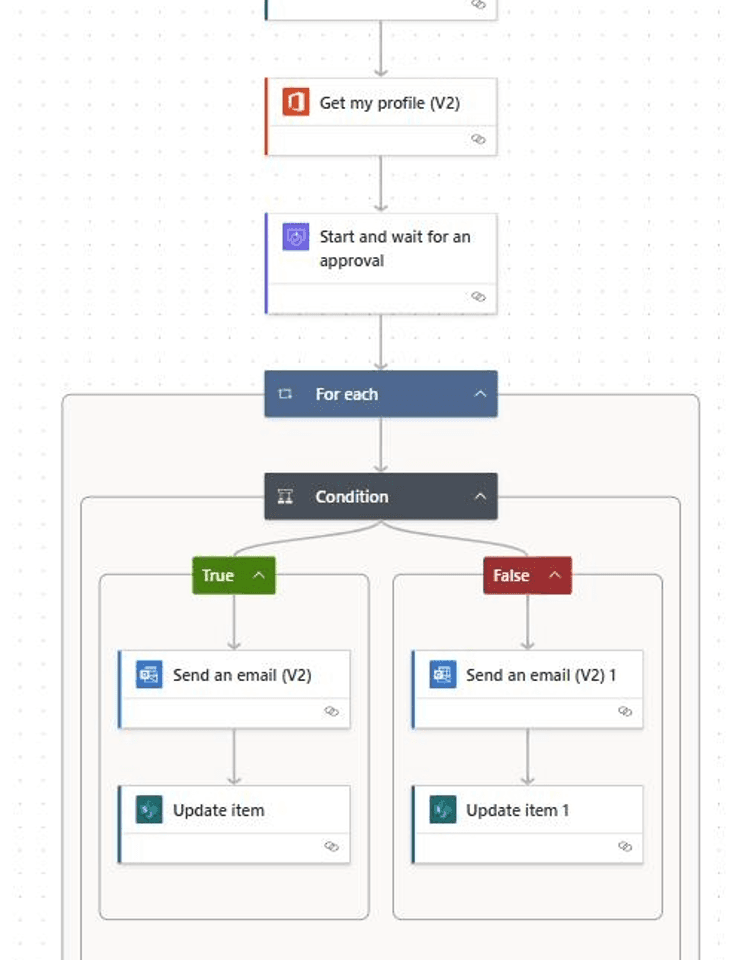
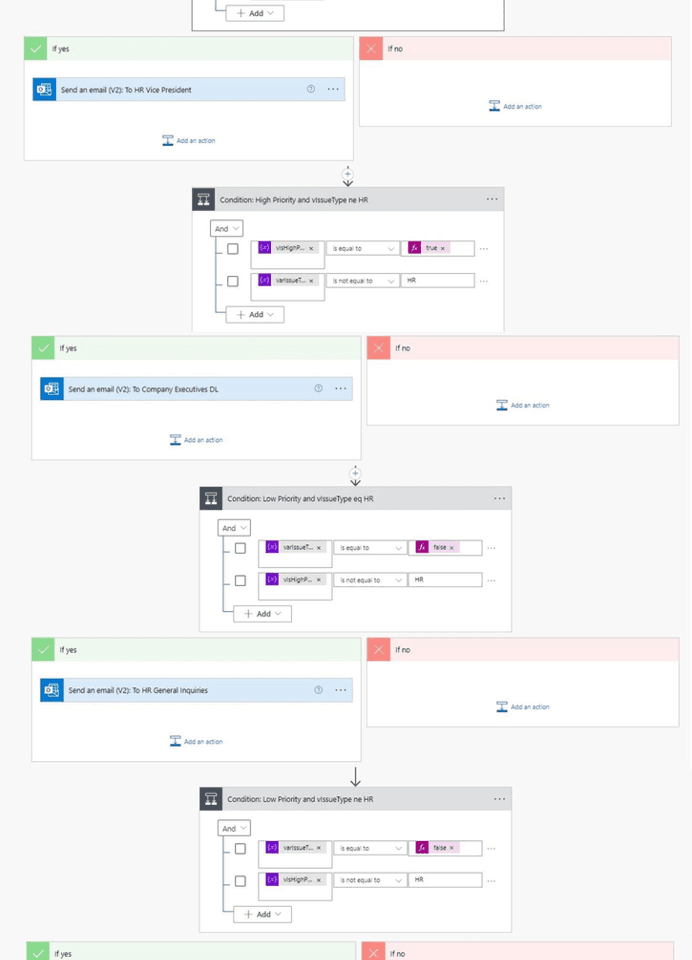
What changed for the client.
The migration improved the maintainability, monitoring, scalability, performance, and error handling of the employee separation workflow. The new Power Automate solution replaced deprecated SPD dependencies with a fully supported automation platform.
Key Results
- 60% reduction in manual intervention — Automation eliminated the majority of manual touchpoints in the separation process.
- 0 SPD dependencies — The organization was fully migrated away from SharePoint Designer 2013.
- 6 implementation phases — A structured approach enabled a controlled and auditable migration.
- Improved maintainability — Workflow logic became easier to modify and manage.
- Better debugging — Power Automate Run History provided improved visibility into workflow execution.
- Improved scalability — The new architecture provides a stronger foundation for future enhancements.
- Structured error handling — The modernized workflow provides more reliable handling of workflow failures.
The numbers behind the rollout.
The full integration layer.
Other engagements worth a look.
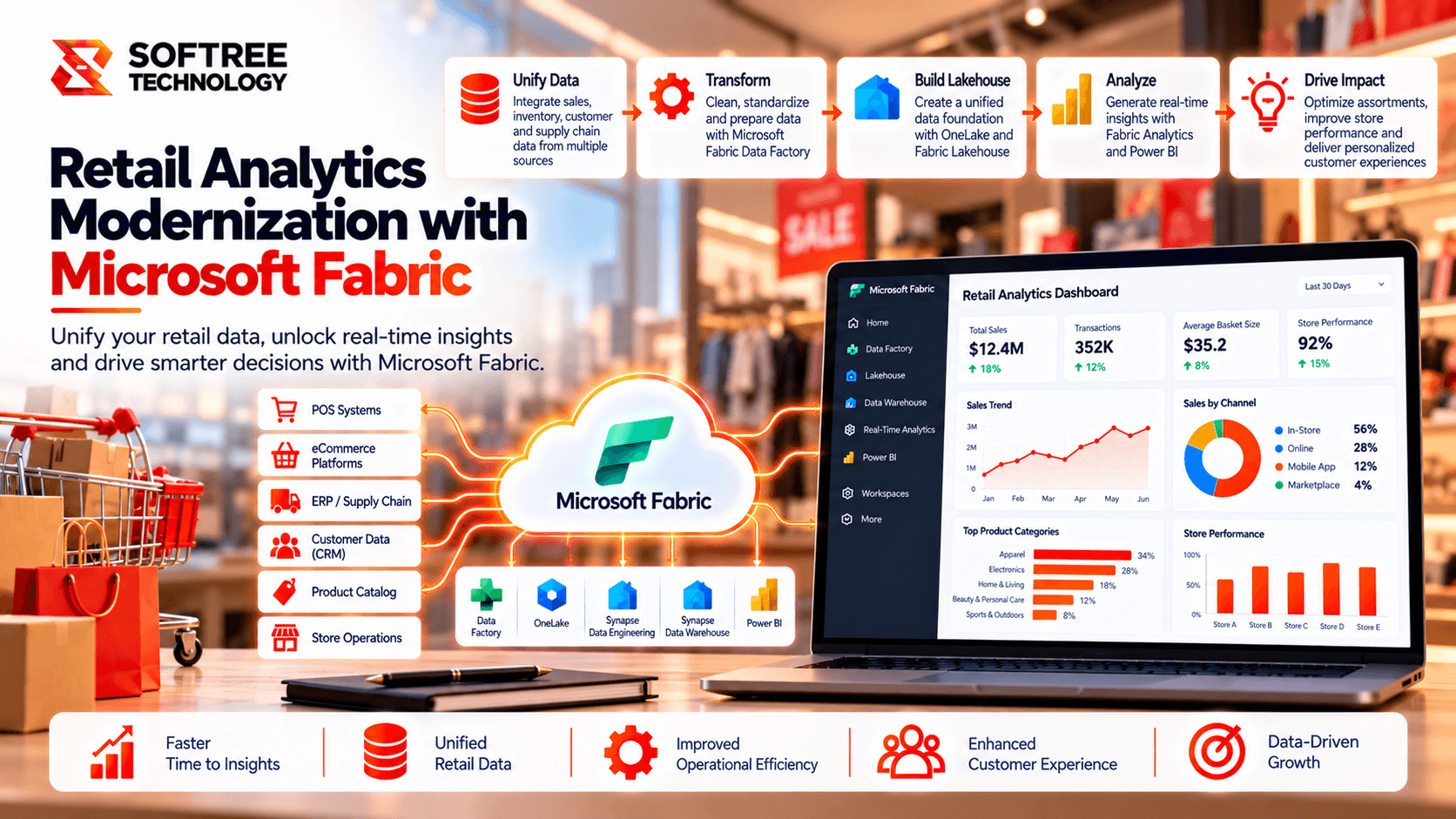
Retail Analytics Modernization with Microsoft Fabric
Softree modernized a retail analytics environment with Microsoft Fabric, improving data governance, semantic model reuse, and Power BI performance.
Read case study→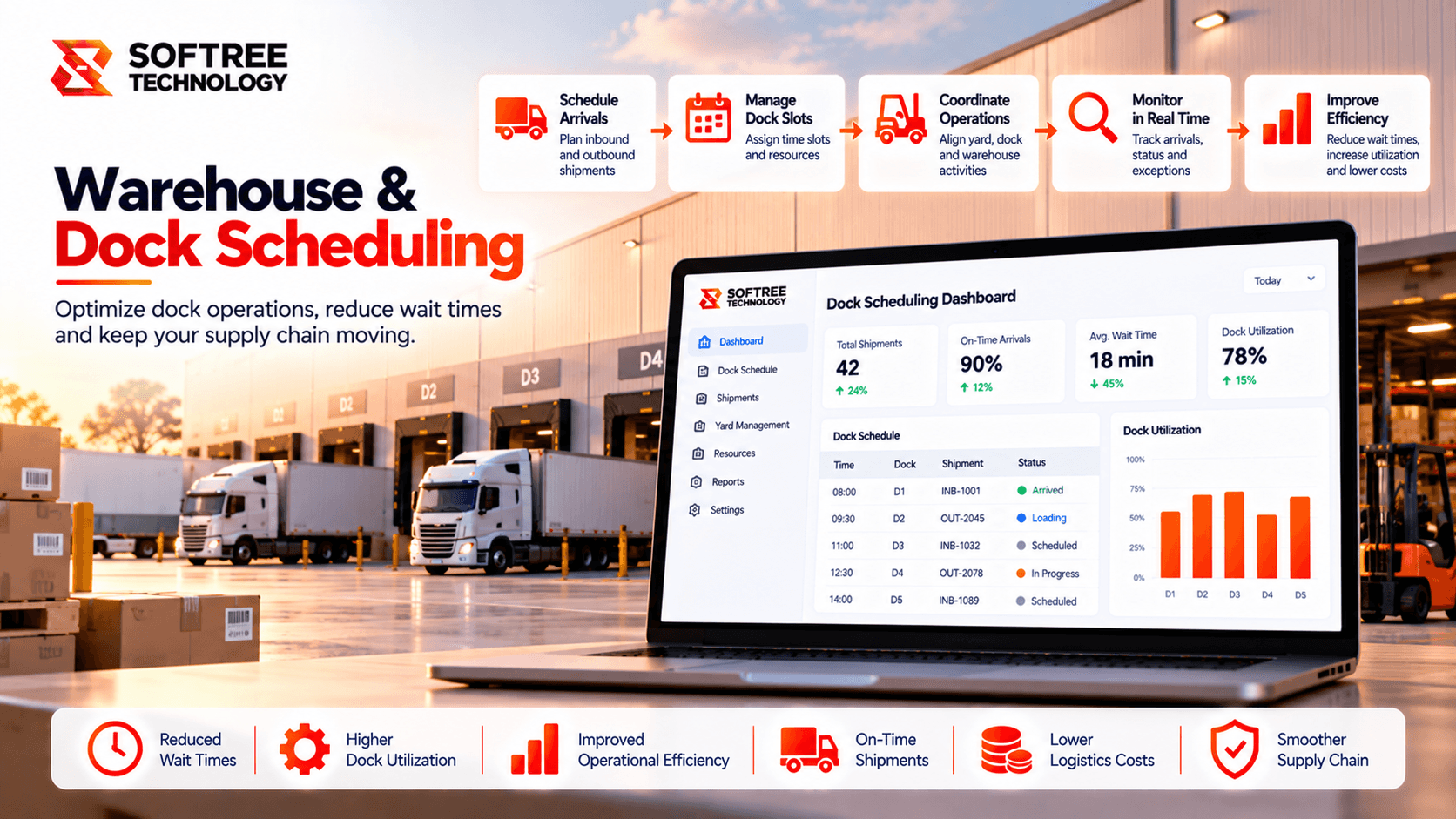
Intelligent AI for Warehouse & Dock Scheduling
An AI-powered scheduling agent to analyze warehouse operations, identify dock conflicts, recommend feasible rescheduling options, and improve coordination across carriers, planners, and warehouse teams.
Read case study→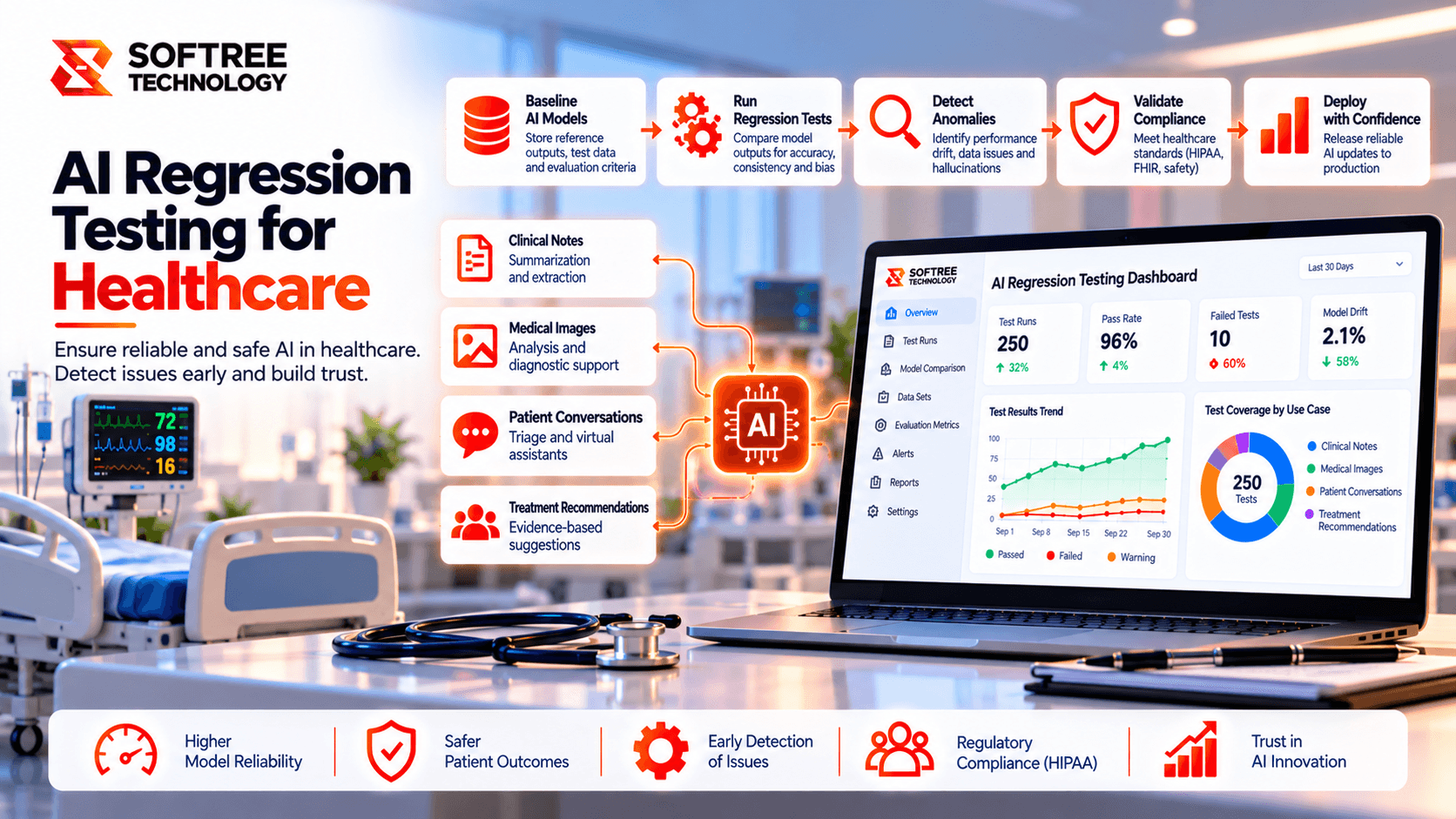
AI Regression Testing for Healthcare Applications
CliniRegress AI uses risk-based test selection to help healthcare QA teams reduce regression effort while protecting critical clinical workflows.
Read case study→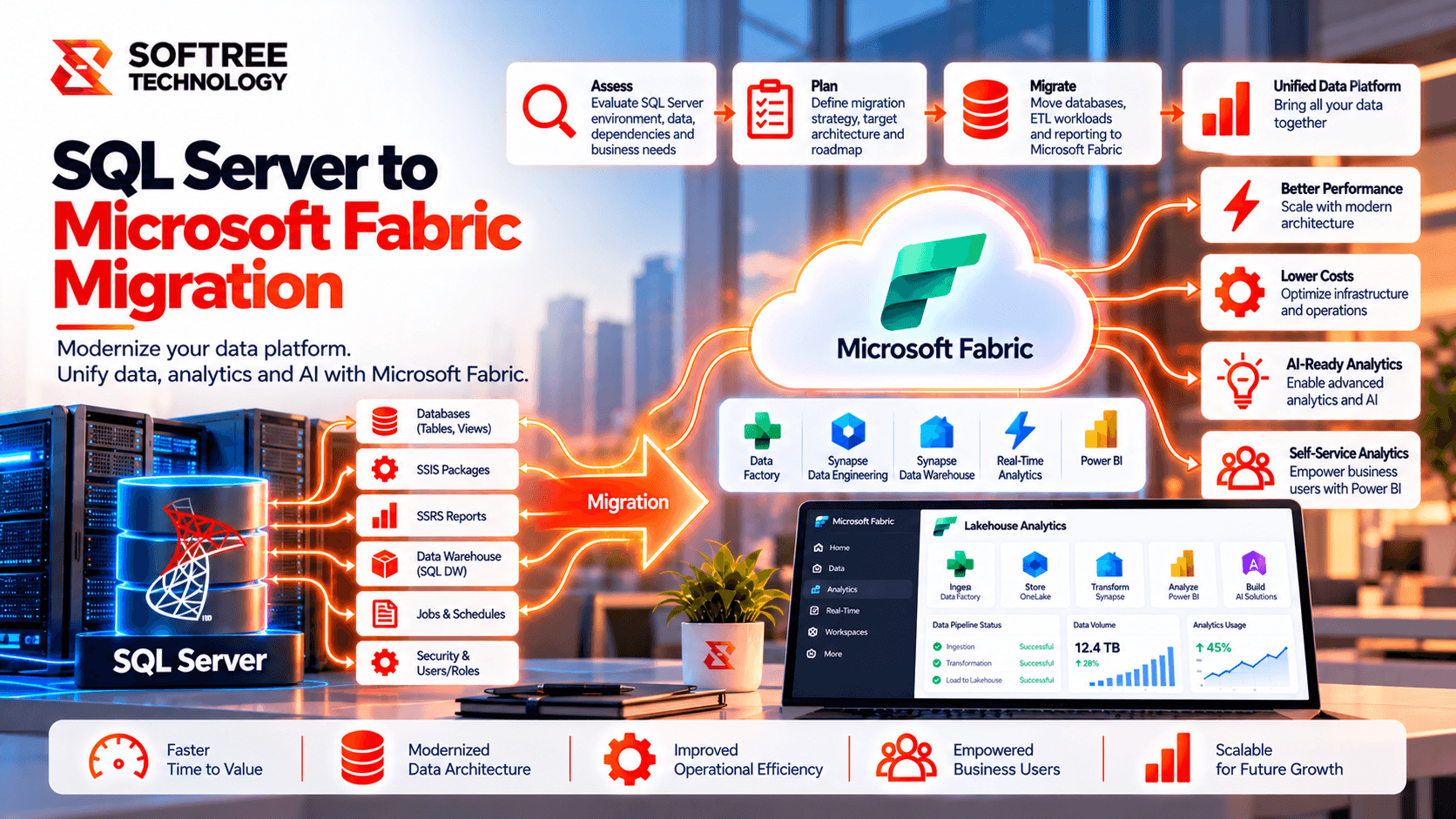
SQL Server to Microsoft Fabric Data Warehouse Migration
Modernizing an enterprise SQL Server data warehouse with Microsoft Fabric while maintaining data quality, performance, security, and reporting continuity.
Read case study→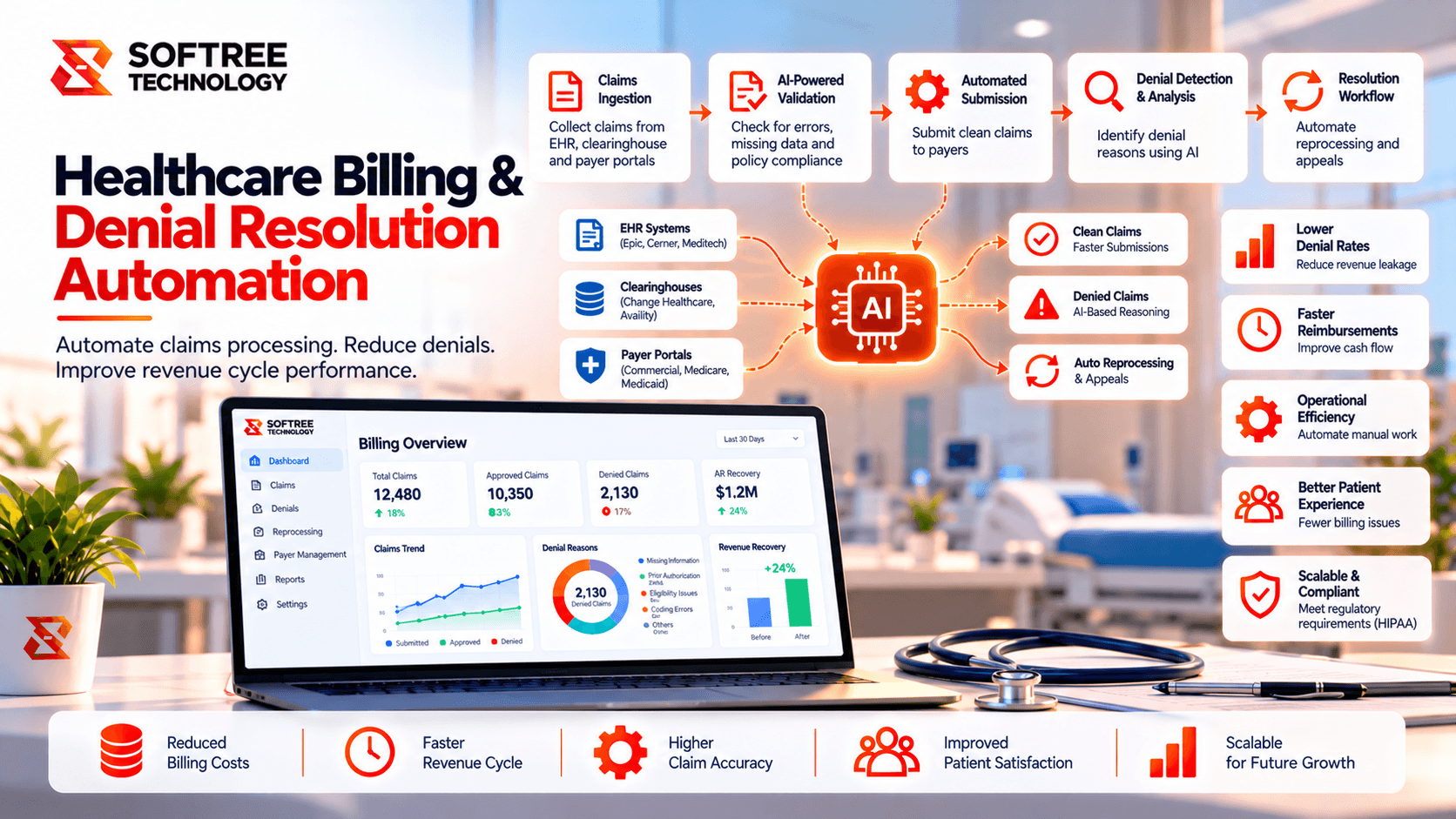
Healthcare Billing & Denial Resolution Agent
A Singapore healthcare provider proposed an AI agent to streamline claim denial investigations, payer research, follow-ups, and specialist review.
Read case study→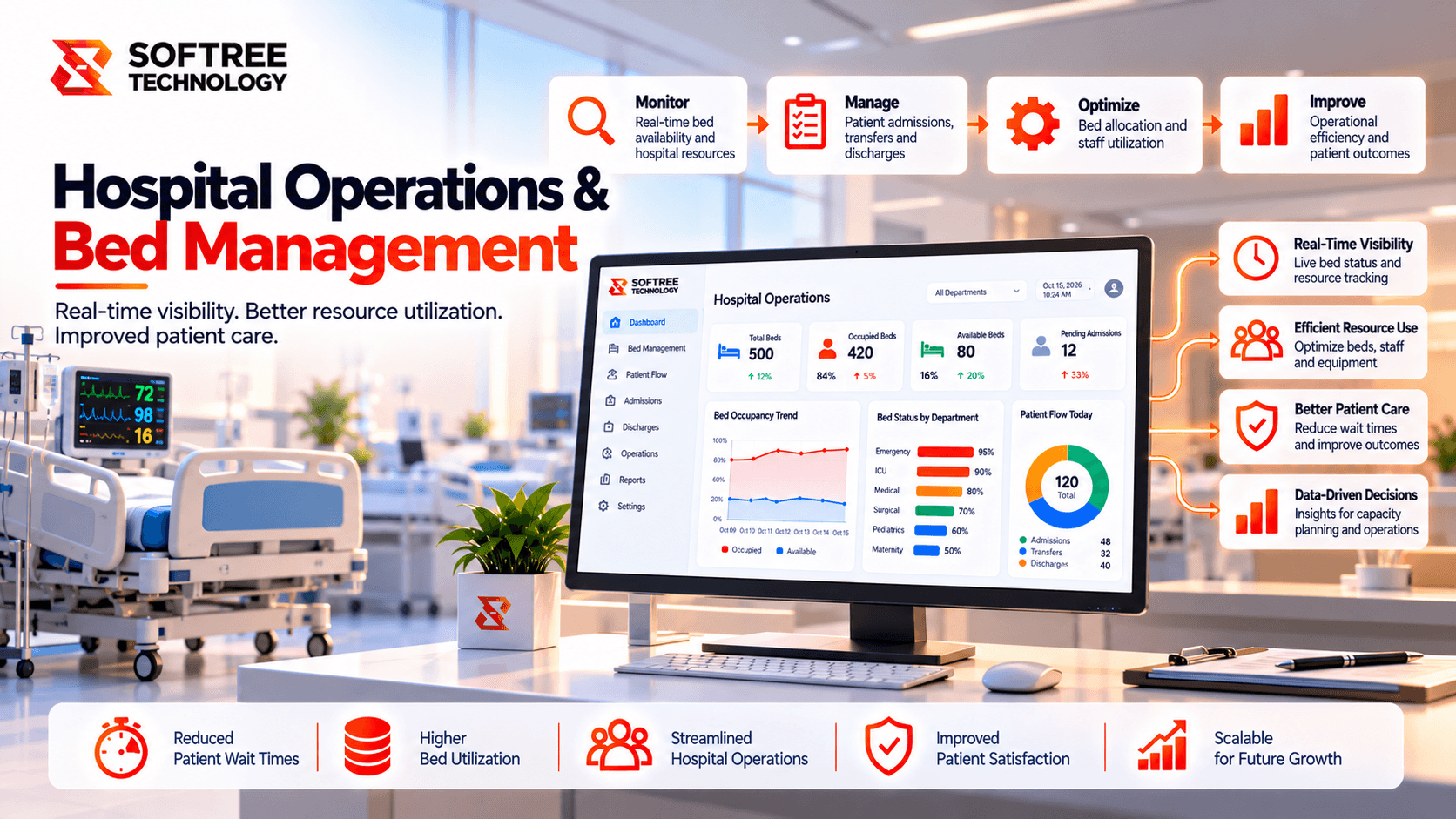
Hospital Operations & Bed Management Agent
A UAE hospital network proposed an agentic AI solution to improve bed readiness, discharge coordination, patient transfers, and operational visibility.
Read case study→Frequently asked questions.
Build faster with a reliable offshore engineering partner.
Partner with Softree to accelerate product delivery, modernize enterprise systems, and scale with confidence.

What we offer
Offices
Bengaluru
11th Floor, Prestige Tech Park, Platina 2 · Outer Ring Rd, Kadubeesanahalli · Bengaluru, Karnataka 560087, India
Cuttack
PLOT B6-1628, SECTOR-10, CDA · Cuttack, Odisha 753014 · India
San Francisco
San Francisco, CA 94108 · United States
Got a question, challenge, or idea?
Fill out the form or pick a time on our scheduler.
30-min discovery call
Same Calendly as our booking page · instant invite