Introduction
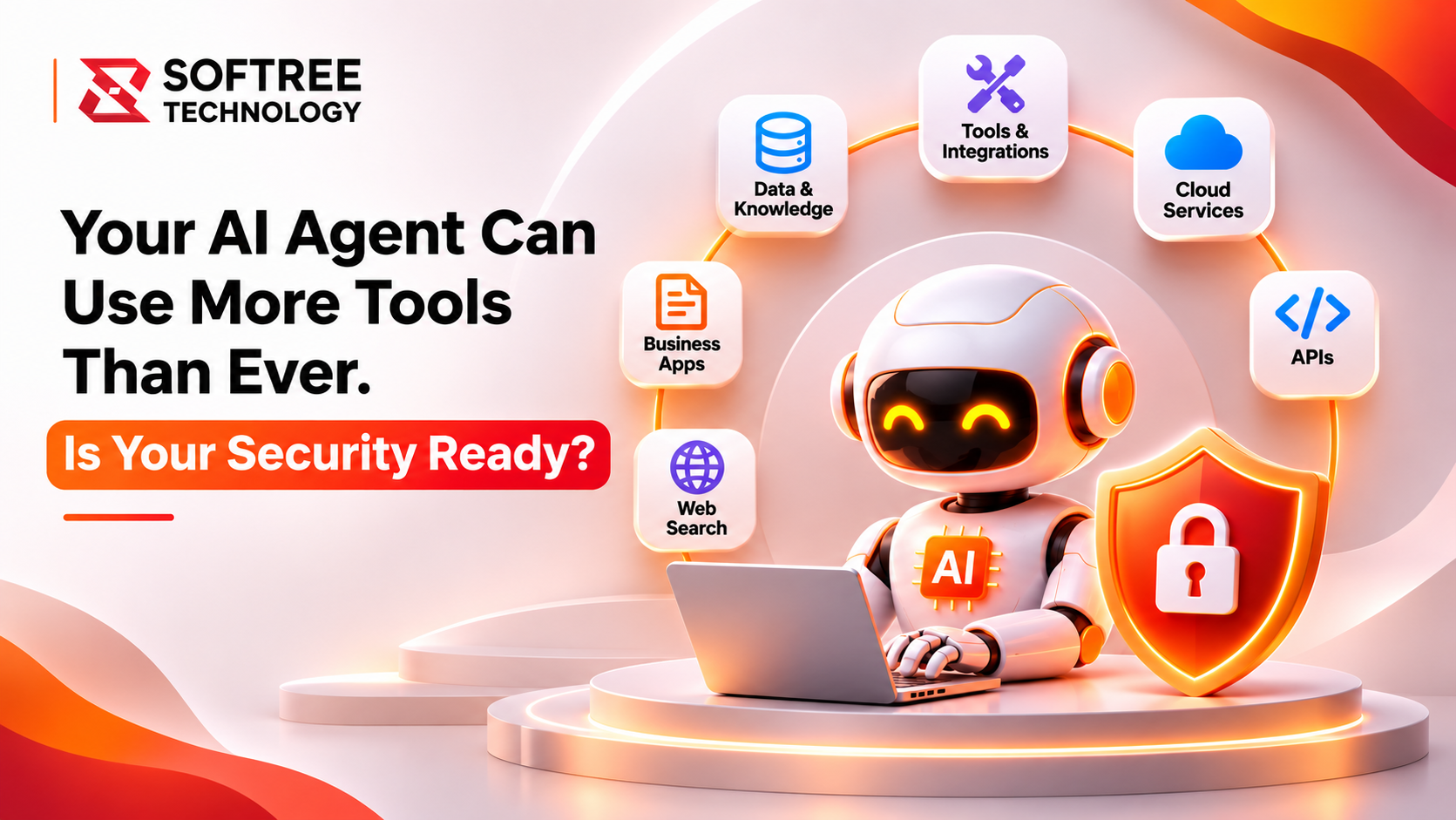
AI agents are becoming more capable. They can search information, call APIs, query business data, and trigger actions across enterprise systems. But every new tool connection can introduce another security boundary.
An agent that can access customer records, update applications, or invoke external services must operate with controlled permissions. Without governance, a useful automation can become an unintended route to sensitive data or business actions.
Microsoft Foundry provides capabilities for building and managing AI applications and agents. A secure implementation still depends on how organizations configure identity, tools, permissions, networking, and monitoring.
Key Takeaways
- Microsoft Foundry does not automatically secure every connected tool or agent action.
- Identity, least-privilege permissions, and tool-level authorization are essential.
- MCP servers, APIs, plugins, and custom functions should be treated as separate security boundaries.
- Sensitive operations should include appropriate human approval.
- Monitoring, logging, and incident-response procedures help maintain security oversight.
Article Content
Why Tool-Enabled AI Agents Need Stronger Security
A basic chatbot mainly returns information. A tool-enabled agent can take actions: retrieve records, create tickets, send requests, or update systems.
This expands the potential impact of mistakes, prompt injection, excessive permissions, and compromised credentials.
The risk is not limited to the model. It also includes the tools an agent can discover, the data those tools can reach, and the actions an application allows the agent to perform.
Organizations must therefore secure the complete agent workflow rather than relying only on model-level safeguards.
How Microsoft Foundry Supports AI Agent Security
Microsoft Foundry supports agent development and integration with tools and enterprise services. Security is implemented through surrounding Azure identity, access-control, networking, secret-management, and monitoring capabilities, together with tool-level authorization and application safeguards.
A governed agent workflow typically follows these steps:
- A user submits a request to an application hosting a Microsoft Foundry agent.
- The agent selects an approved tool or MCP server.
- Identity and authorization checks validate the requesting user and workload.
- The connected API or enterprise data source enforces access permissions.
- The tool returns only the permitted information or action result.
- Logging and monitoring capture activity for review.
This approach helps organizations maintain control over what agents can access and execute.
Four Security Practices Every AI Agent Implementation Needs
1. Give Agents Only the Access They Need
Use least-privilege permissions. Separate read access from write or execution permissions, and avoid broad credentials shared across unrelated tools.
2. Secure Every Tool Connection
Treat APIs, MCP servers, plugins, and custom functions as independent security boundaries.
- Authenticate callers.
- Authorize every operation.
- Validate tool inputs.
- Restrict network access where appropriate.
- Avoid unrestricted access to connected systems.
3. Protect Data and Credentials
Use approved identity and secret-management patterns.
Do not place API keys, passwords, or sensitive business data in prompts, source code, or exposed configuration.
4. Monitor Actions and Apply Human Review
Record tool calls, access failures, and consequential actions.
Require approval for high-impact operations such as payments, customer account changes, or deletion of business records.
Example: Securing an Enterprise Support Agent
Consider an enterprise support agent that can look up customer details, check order status, and create service tickets.
The agent should authenticate the requesting user and retrieve only records that user is permitted to view. Ticket creation should use a narrowly scoped tool with specific authorization.
If the agent proposes a refund or account change, the workflow can require a human approval step.
This allows the business to benefit from automation without giving the agent unrestricted authority.
When Should You Apply These Security Controls?
Apply these controls whenever AI agents connect to:
- Enterprise data and customer records
- External APIs
- MCP servers
- Business applications
- Systems that can create or modify business records
- Sensitive information or privileged operations
The level of approval and monitoring should reflect the sensitivity of the data and the impact of each action.
What We Learned
Secure AI agent implementation requires more than configuring a model or connecting tools.
Practical lessons include:
- Authorization must be enforced by connected tools and services, not merely requested in the agent prompt.
- Read and write permissions should be separated wherever possible.
- Every tool connection introduces its own access and validation requirements.
- Human approval is important for consequential business operations.
- Security testing should include prompt injection, unauthorized access, and unexpected tool inputs.
- Logging and monitoring should be designed into the workflow from the beginning.
Next Steps
Organizations planning Microsoft Foundry AI agents should begin with one business workflow and map its users, data, tools, and permitted actions.
A practical implementation sequence is:
- Inventory every tool, API, MCP server, and data source.
- Define user and workload identities.
- Apply least-privilege permissions to each connection.
- Store secrets securely and rotate them where required.
- Validate tool inputs and enforce authorization server-side.
- Test prompt injection and unauthorized access scenarios.
- Log tool calls and review high-impact actions.
- Define human approval and incident-response procedures.
https://www.softreetechnology.com/