Tableau to Power BI Migration
for Enterprise Analytics Modernization
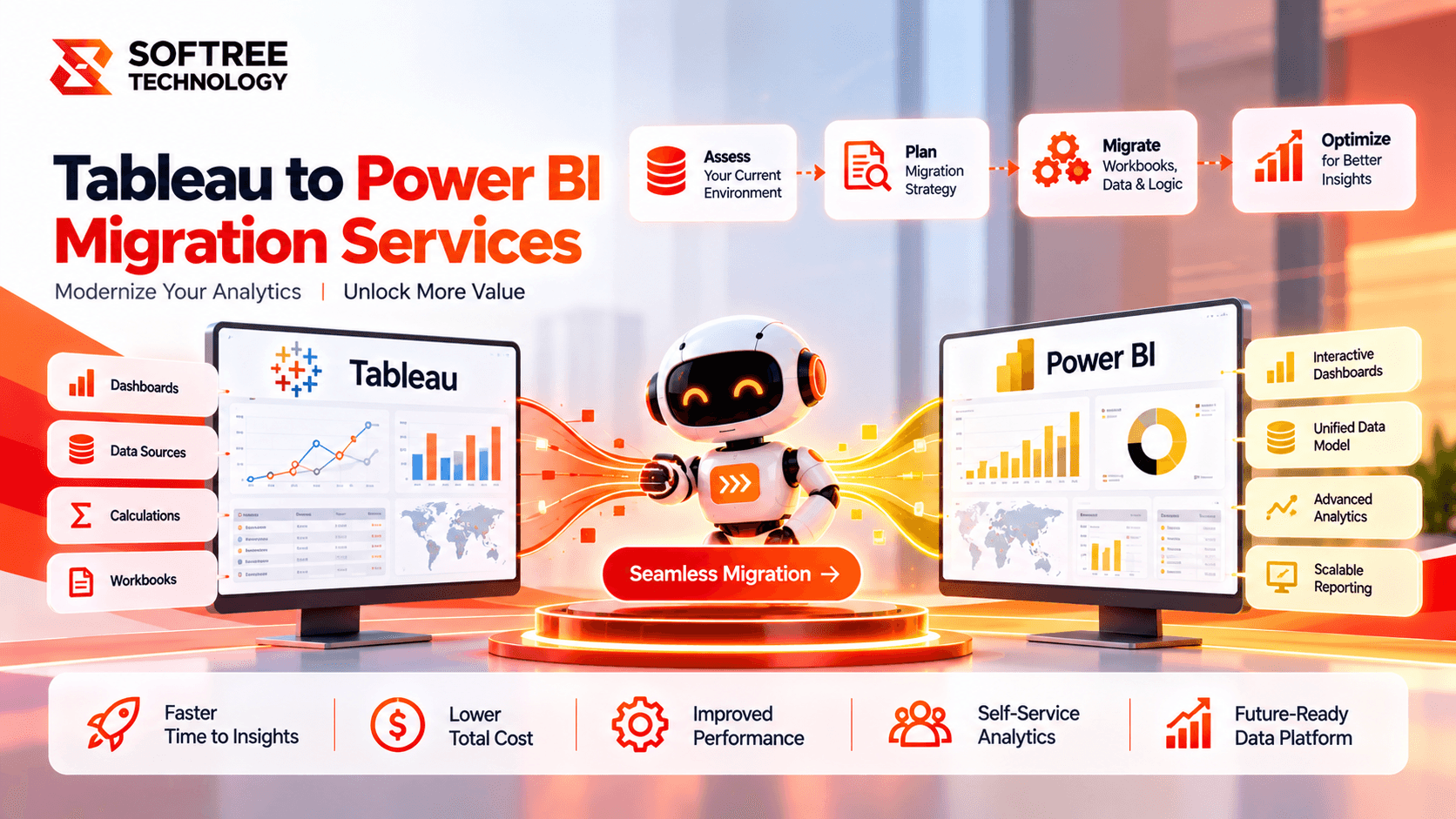
An enterprise organization planned its Tableau-to-Power BI migration to standardize reporting, validate business calculations, and strengthen analytics governance.
Business Process Challenges
The enterprise organization used Tableau for business intelligence, operational reporting, and executive dashboards across finance, sales, operations, and customer analytics.
The analytics environment had grown to include numerous workbooks, dashboards, data sources, calculations, filters, and user-specific access rules.
The organization planned to migrate to Microsoft Power BI to align its analytics platform with its Microsoft data and productivity ecosystem.
Differences in data modeling, calculation languages, visualization behavior, and security configuration created risks of inconsistent KPI values, missing functionality, and incorrect user access.
Assessing Tableau workbooks, dashboards, data sources, and dependencies was necessary to establish migration scope.
Data models and relationships needed to be mapped appropriately to Power BI.
Tableau calculated fields and level-of-detail expressions needed to be translated into DAX or Power Query logic.
Visualizations, filters, and dashboard interactions needed to be rebuilt and validated.
Security permissions and row-level security needed to be implemented appropriately.
Business results needed to be validated before users transitioned to the new Power BI environment.
Our Strategic Approach
Softree structured the migration around inventory assessment, dashboard rationalization, data-model mapping, calculation conversion, visualization rebuilding, security implementation, and business validation. The approach focused on preserving essential reporting functionality while creating a maintainable and governed Microsoft Power BI environment.
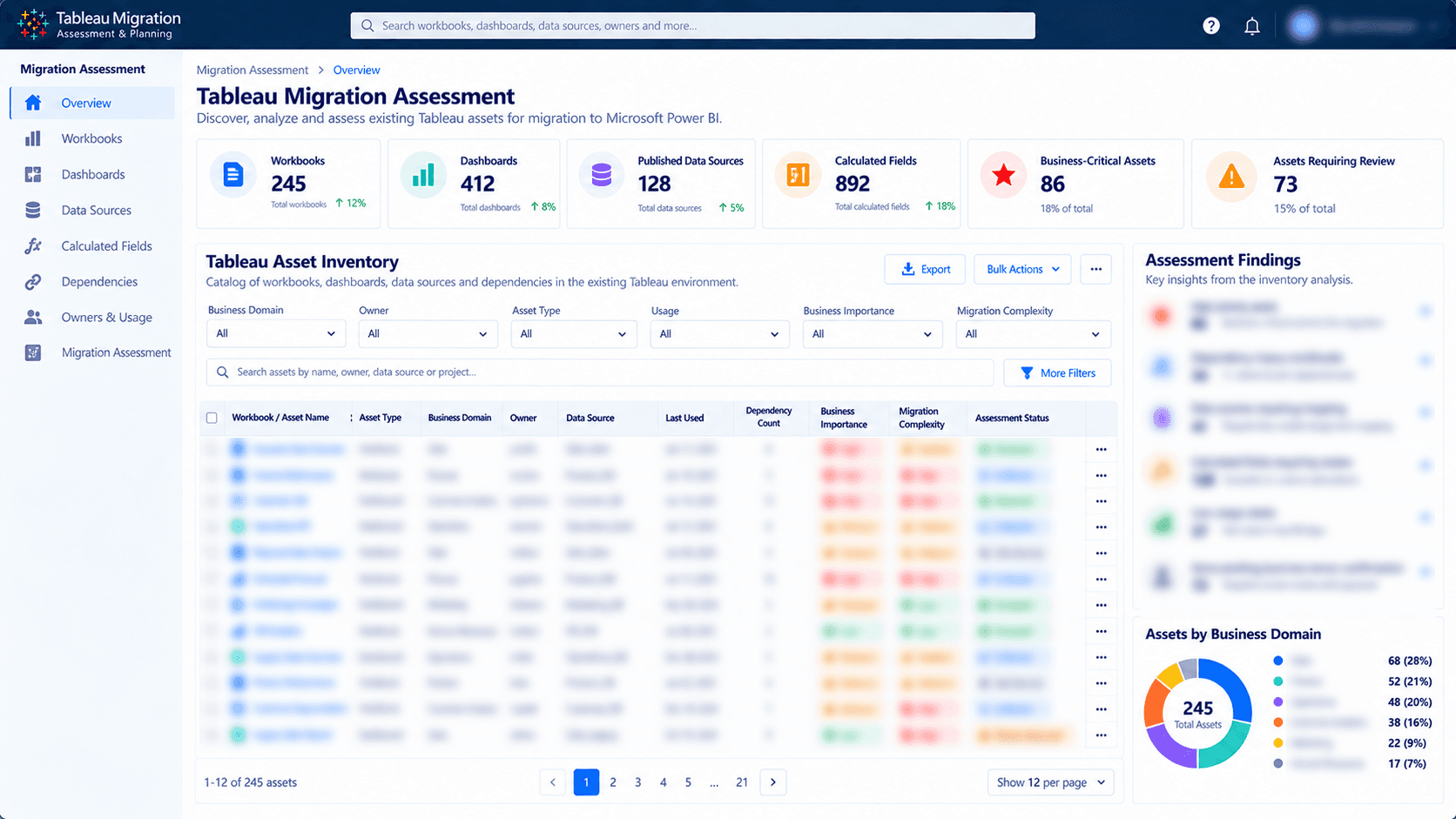
- Tableau Inventory and Assessment: Catalogued workbooks, dashboards, published data sources, calculations, filters, owners, and dependencies to establish migration scope.
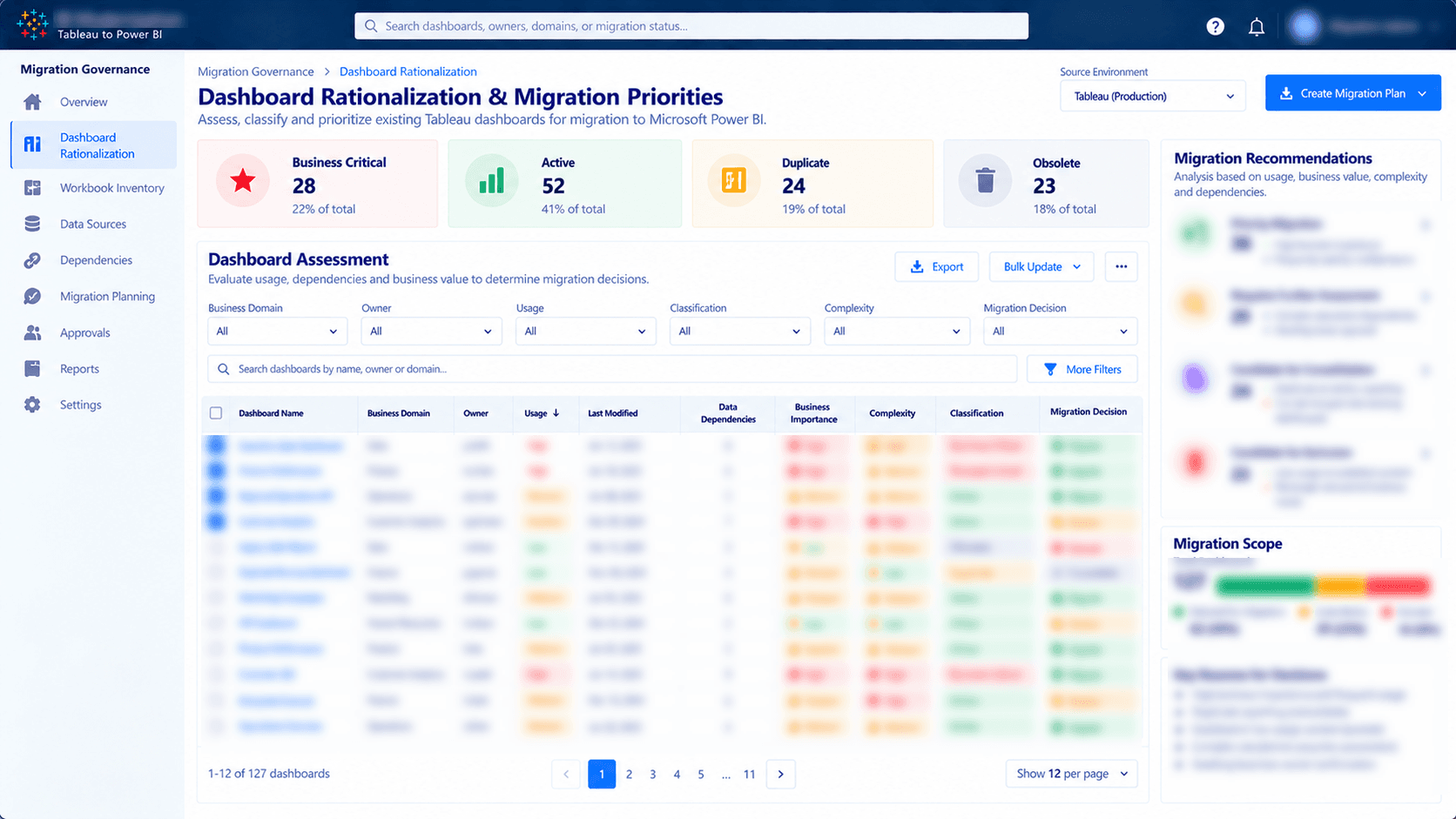
- Dashboard Rationalization: Classified reports by business importance, usage, duplication, and technical complexity to prioritize critical assets.
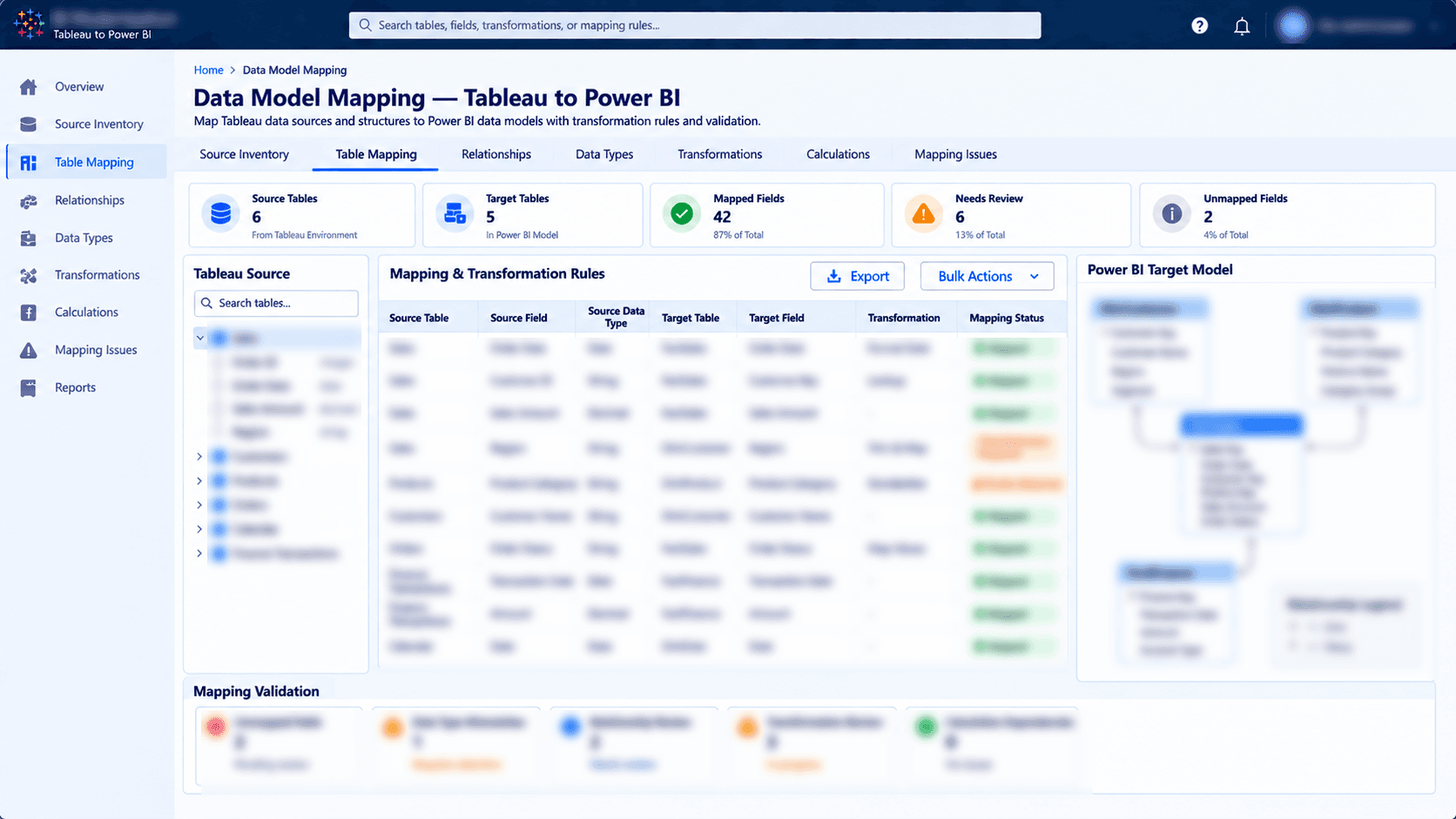
- Data Model Mapping: Mapped Tableau data structures, joins, relationships, and transformations to Power BI tables and reusable semantic models.
- Calculation and Visualization Migration: Rebuilt charts, KPI cards, filters, slicers, and interactions using Power BI visuals. Translated business calculations into DAX measures or Power Query transformations where appropriate.
- Semantic Models and Security: Established reusable reporting models and configured workspace access, permissions, and row-level security where required.
- Testing and Business Validation: Compared Tableau and Power BI outputs across KPI values, data accuracy, filters, calculations, visual behavior, refreshes, and user permissions.
- Deployment and User Adoption: Prepared validated reports for Power BI Service and supported the transition through documentation, user guidance, training, and feedback collection.
How we delivered it.
Explore the Solution Through visuals
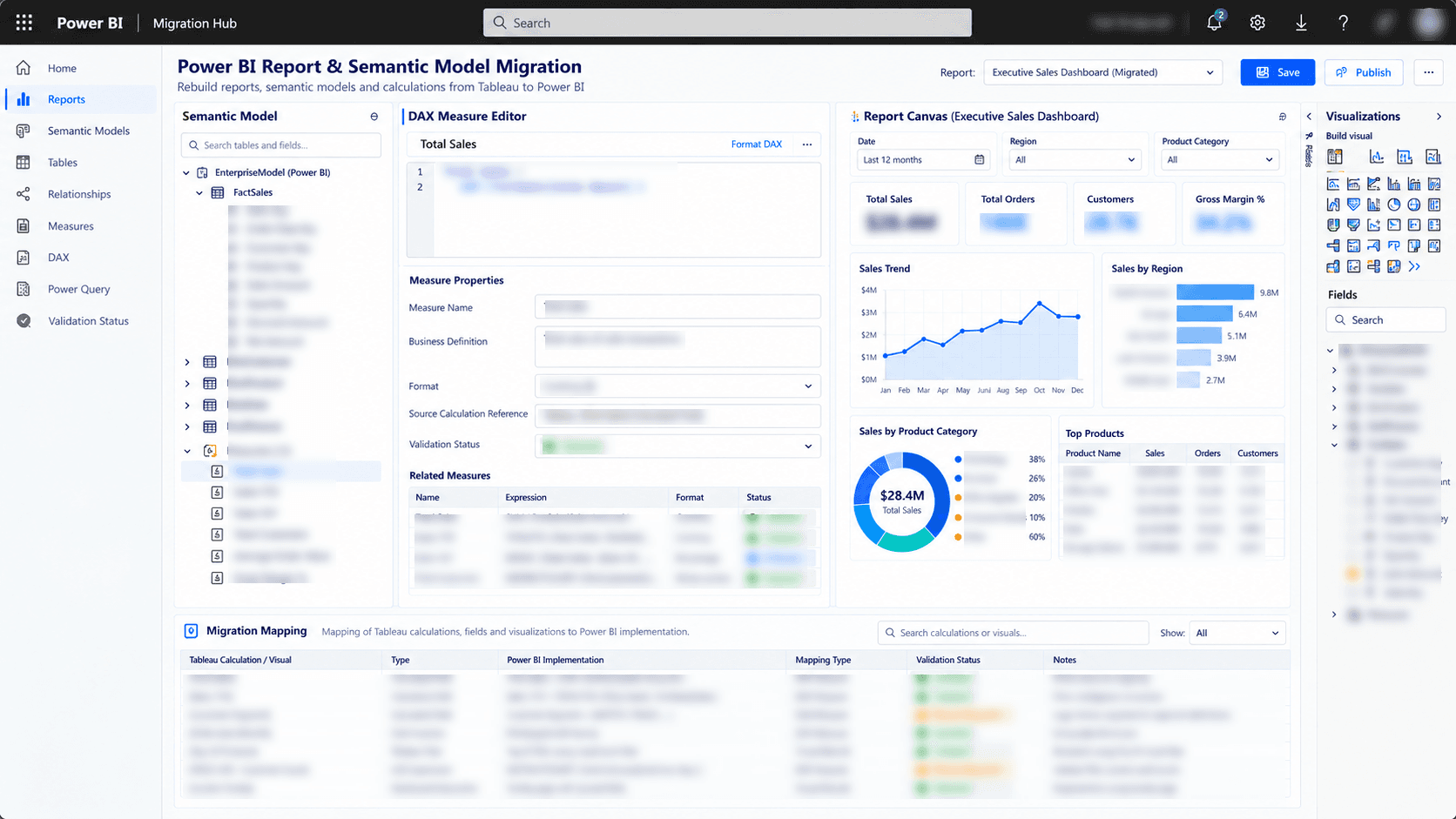
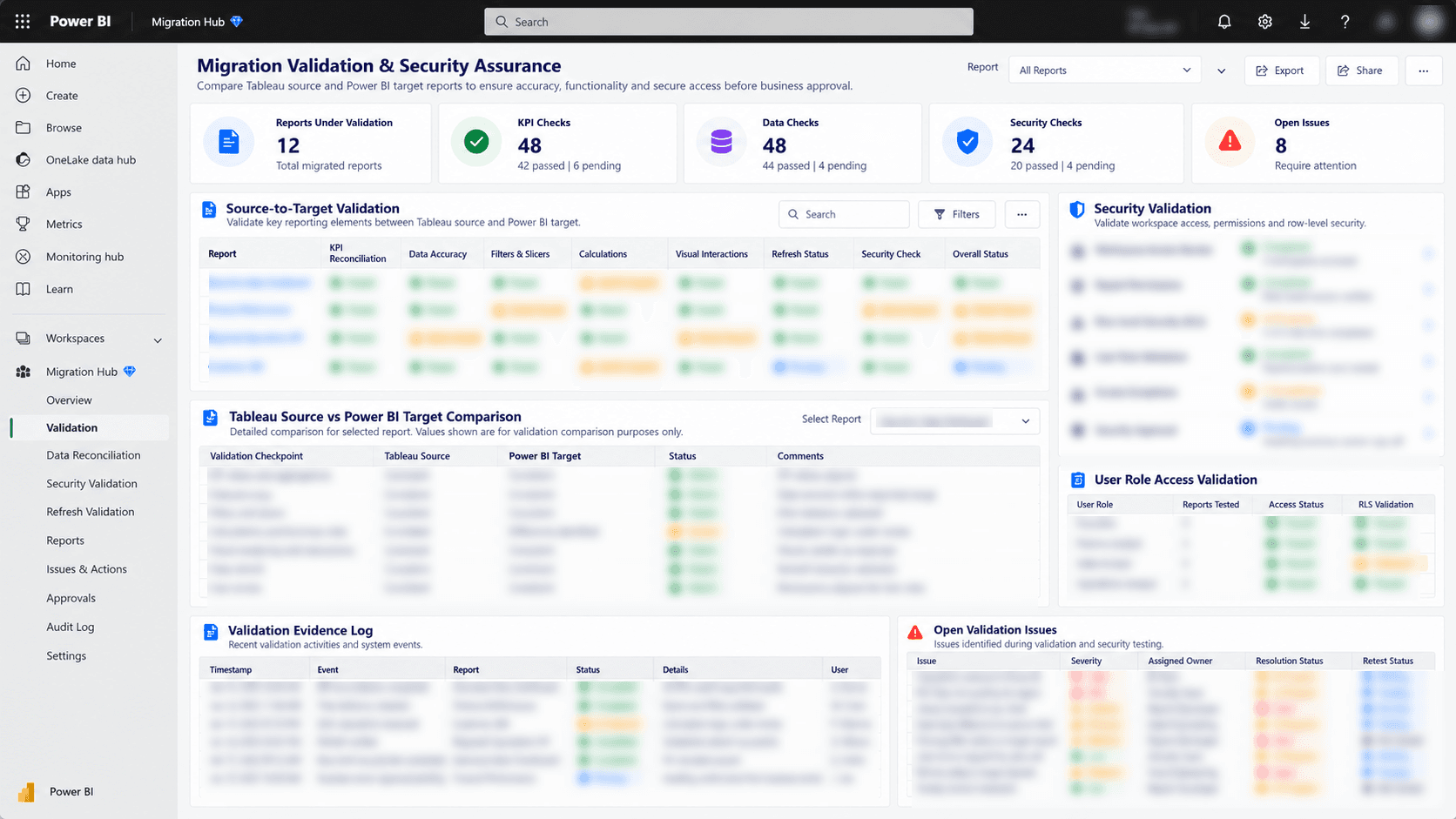
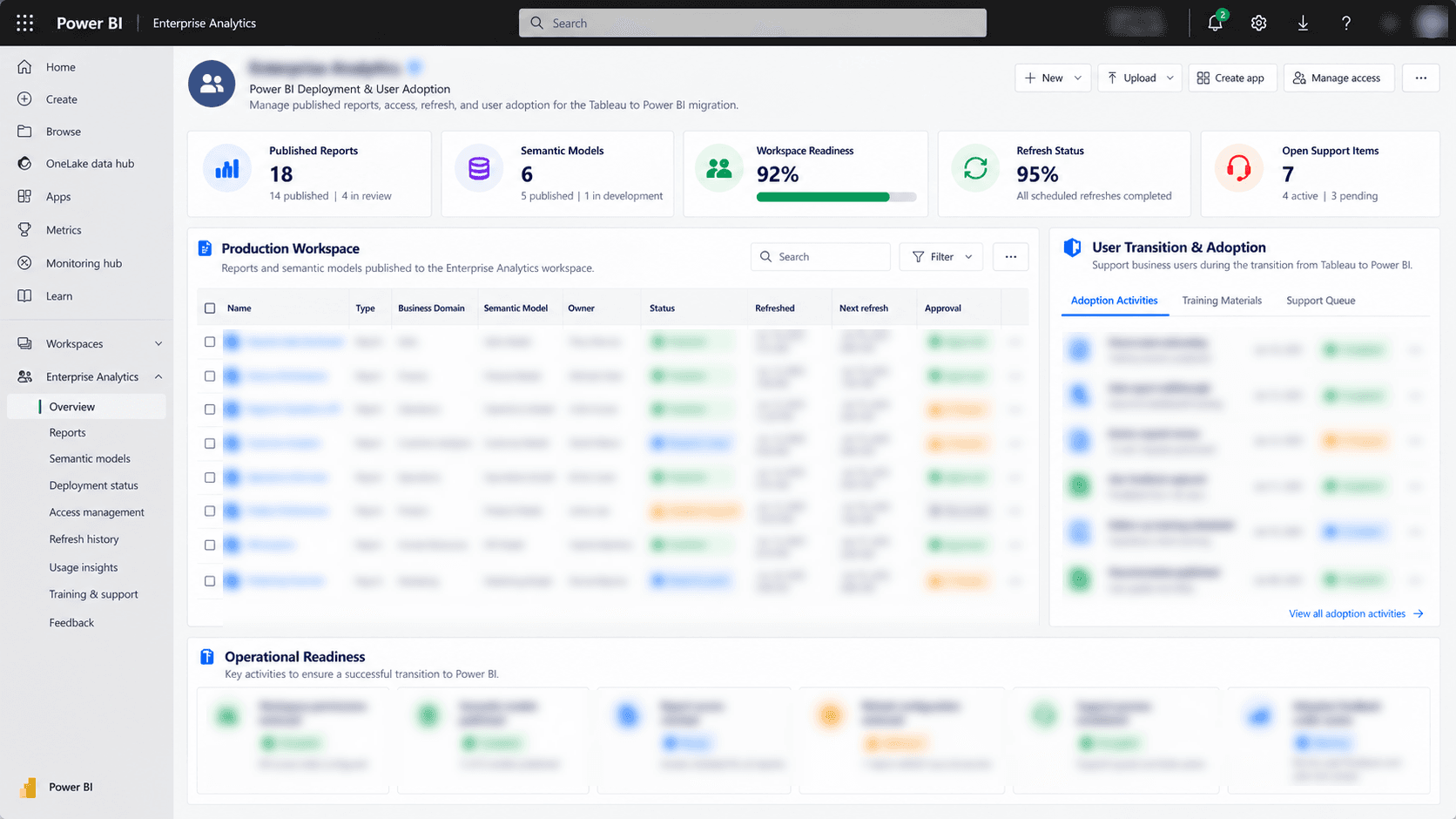
What changed for the client.
The migration approach was designed to establish a more consistent, maintainable, and governed Power BI reporting environment. It defined a structured way to assess Tableau assets, prioritize migration work, validate business calculations, and manage the transition to the target platform.
Expected outcomes included:
- Documented Tableau inventory and migration priorities.
- Rebuilt Power BI reports for approved Tableau assets.
- Reusable semantic models and documented data relationships.
- Validated DAX measures and business logic.
- Defined workspace permissions and row-level security.
- Structured technical testing and business acceptance.
- Improved consistency of shared reporting definitions.
- Supported user transition through training and documentation.
The numbers behind the rollout.
The full integration layer.
Other engagements worth a look.
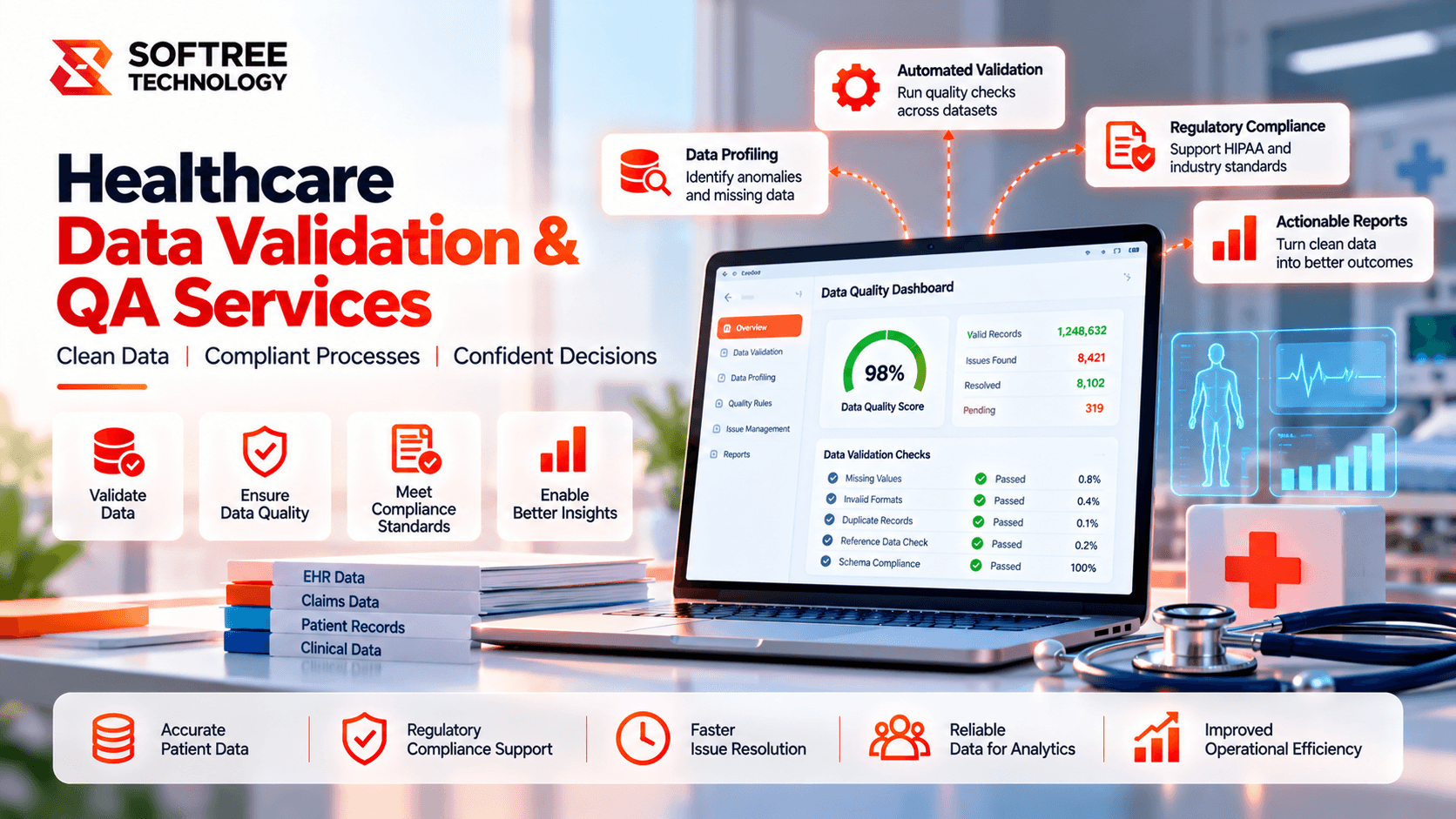
Healthcare Data Validation and Quality Assurance
Explore an AI-powered healthcare data validation platform designed to test data integrity across patient records, lab results, and insurance claims.
Read case study→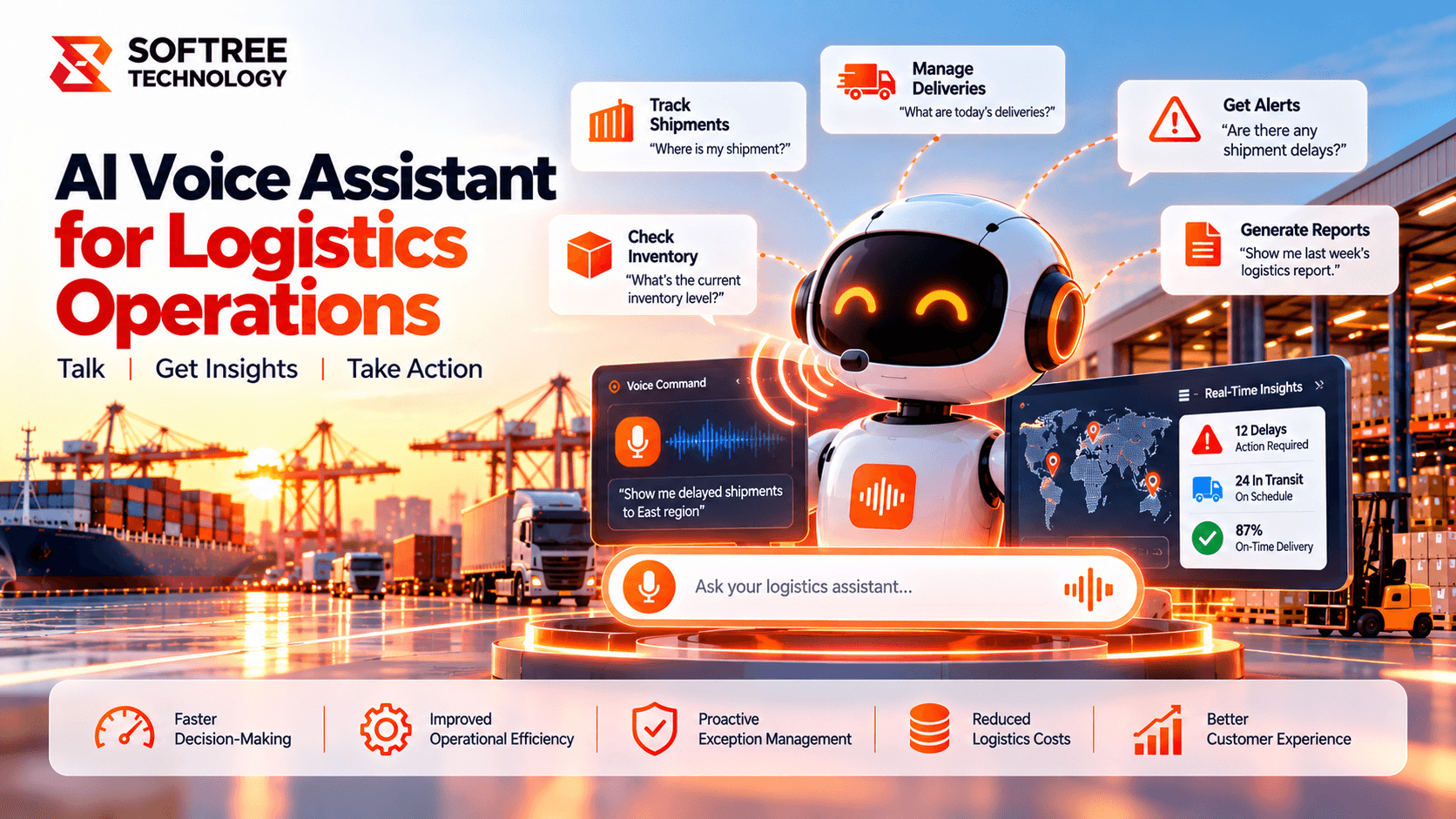
AI Voice Assistant for Logistics Operations and Shipment Management
A South Korean logistics company planned a voice AI agent to reduce shipment-status enquiries by up to 35% and streamline operations.
Read case study→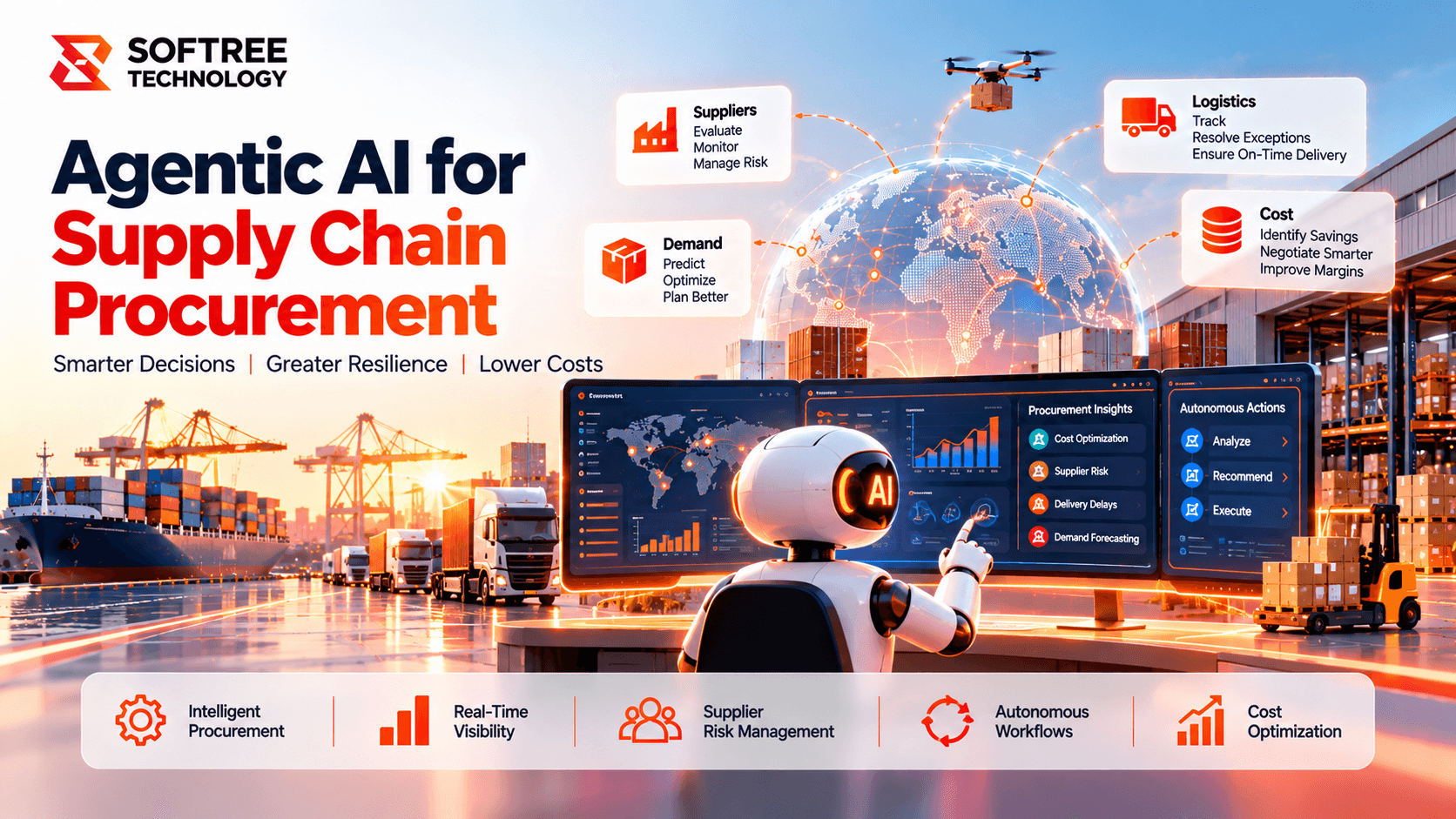
Agentic AI for Supply Chain Procurement
See how Softree used Agentic AI, Amazon Bedrock and Nova 2 Sonic to automate procurement, supplier coordination and supply-chain monitoring.
Read case study→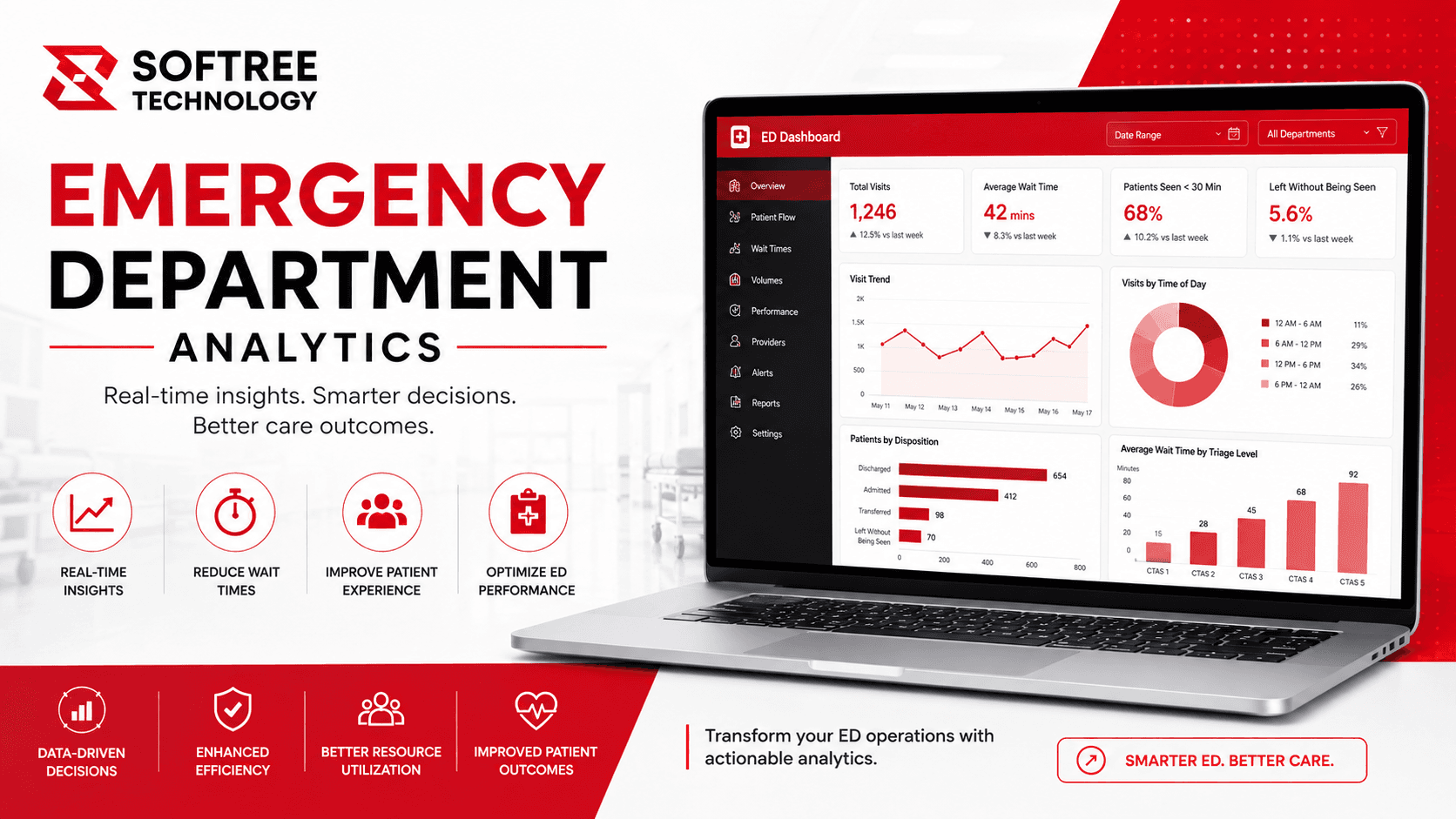
Emergency Department Performance Analytics Platform
A Microsoft Fabric and Power BI analytics platform helped a multi-specialty healthcare network reduce emergency department wait times by approximately 34%.
Read case study→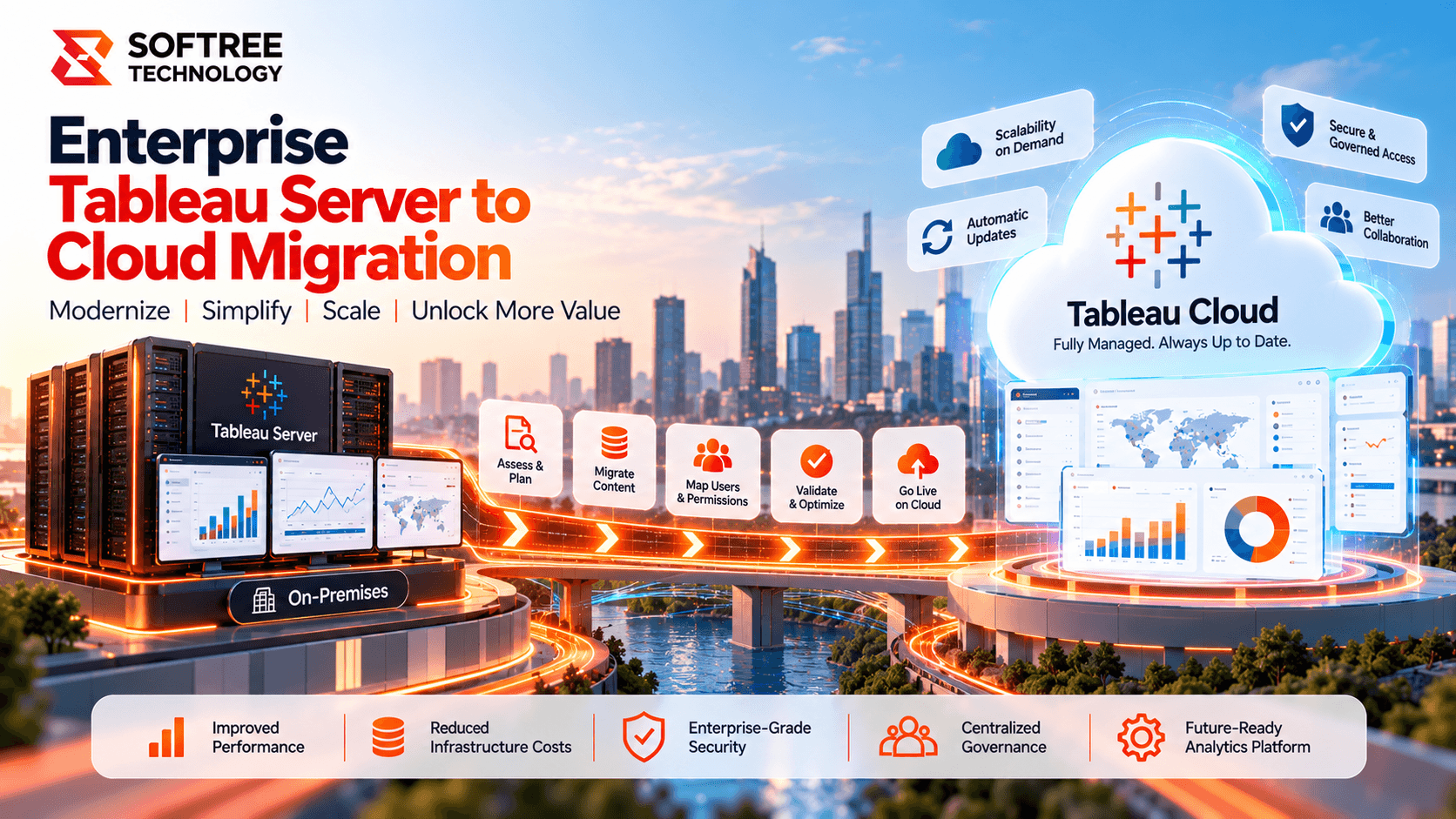
Enterprise Tableau Server Modernization & Cloud Migration
An enterprise organization modernized its multi-site Tableau environment with structured migration, content rationalization, governance, automation, and cloud validation.
Read case study→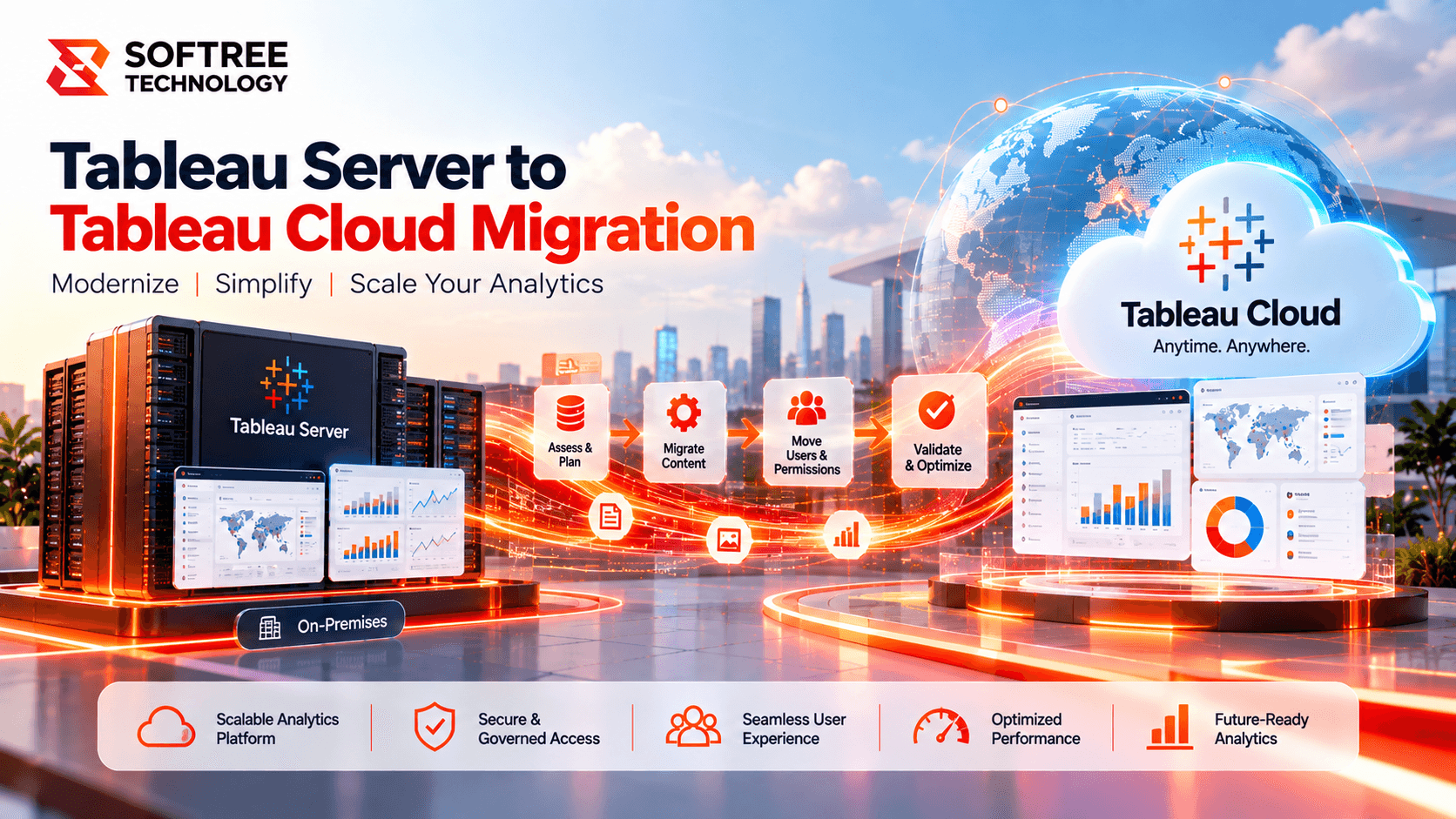
Tableau Server to Tableau Cloud Migration
An enterprise organization modernized its Tableau environment by migrating from Tableau Server to Tableau Cloud with improved governance, connectivity, and validation.
Read case study→Frequently asked questions.
Build faster with a reliable offshore engineering partner.
Partner with Softree to accelerate product delivery, modernize enterprise systems, and scale with confidence.

What we offer
Offices
Bengaluru
11th Floor, Prestige Tech Park, Platina 2 · Outer Ring Rd, Kadubeesanahalli · Bengaluru, Karnataka 560087, India
Cuttack
PLOT B6-1628, SECTOR-10, CDA · Cuttack, Odisha 753014 · India
San Francisco
San Francisco, CA 94108 · United States
Got a question, challenge, or idea?
Fill out the form or pick a time on our scheduler.
30-min discovery call
Same Calendly as our booking page · instant invite