How a Technology Company Modernized Contact Management with Power Apps and SharePoint Mobile Solutions
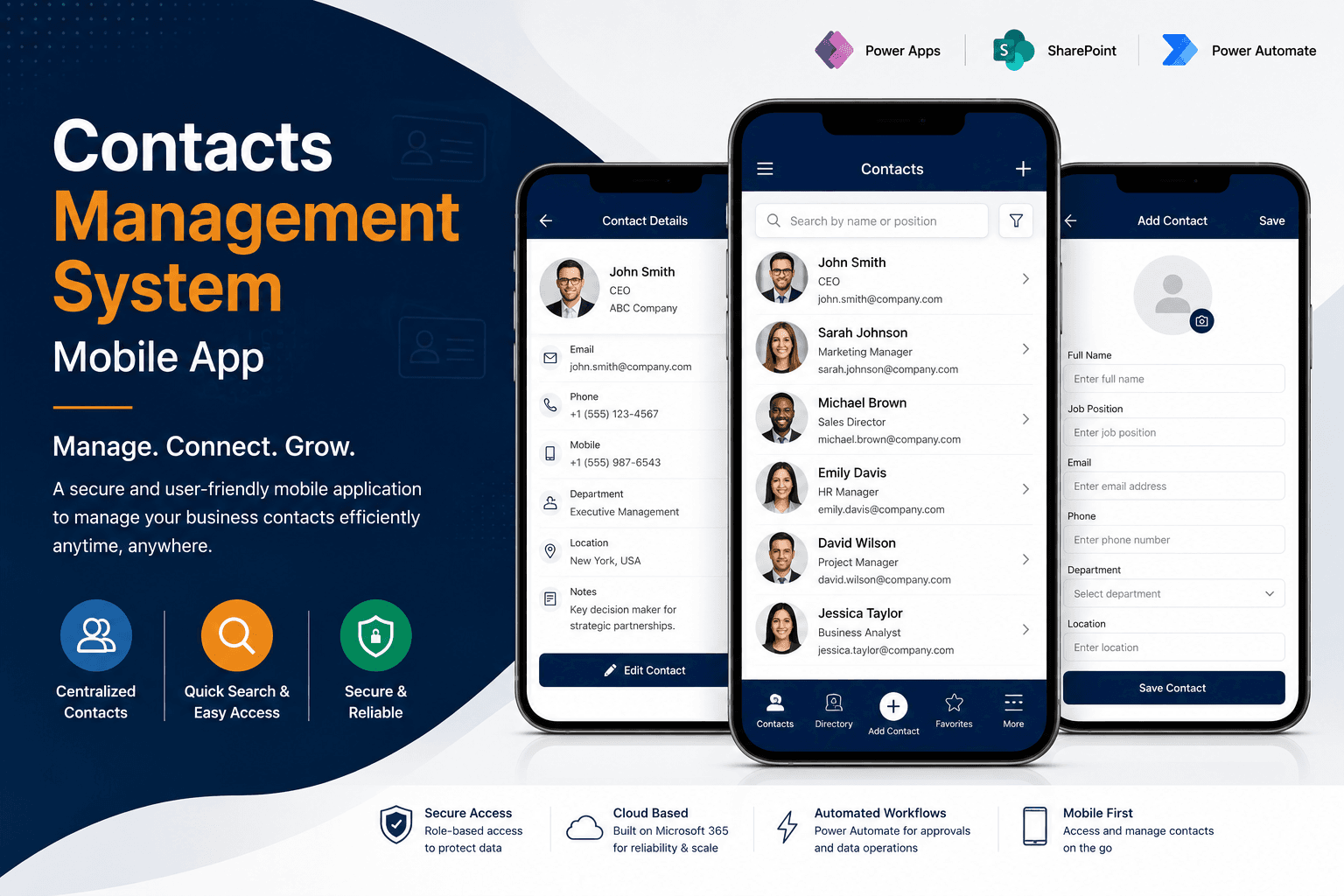
Softree Technology developed a mobile Contacts Management System using Power Apps and SharePoint, enabling centralized contact management and faster access to business-critical information.
Business Process Challenges
The client managed a large volume of business contacts and relied on time-consuming manual processes to create, maintain, and access contact information. As the contact database continued to grow, finding and updating records became increasingly inefficient.
The organization needed a secure mobile application that would allow employees to quickly search, create, edit, and manage contacts from a centralized platform. Existing processes lacked user-friendly functionality and required unnecessary administrative effort.
The client also required controlled access and authentication to ensure that sensitive contact information remained protected while remaining easily accessible to authorized users.
Our Strategic Approach
Our Approach
Softree Technology designed and developed a mobile-first Contacts Management System using Microsoft Power Apps, SharePoint, Office 365, Power Automate, and PowerFX. The solution was built as a Power Apps Canvas Application optimized for mobile devices.
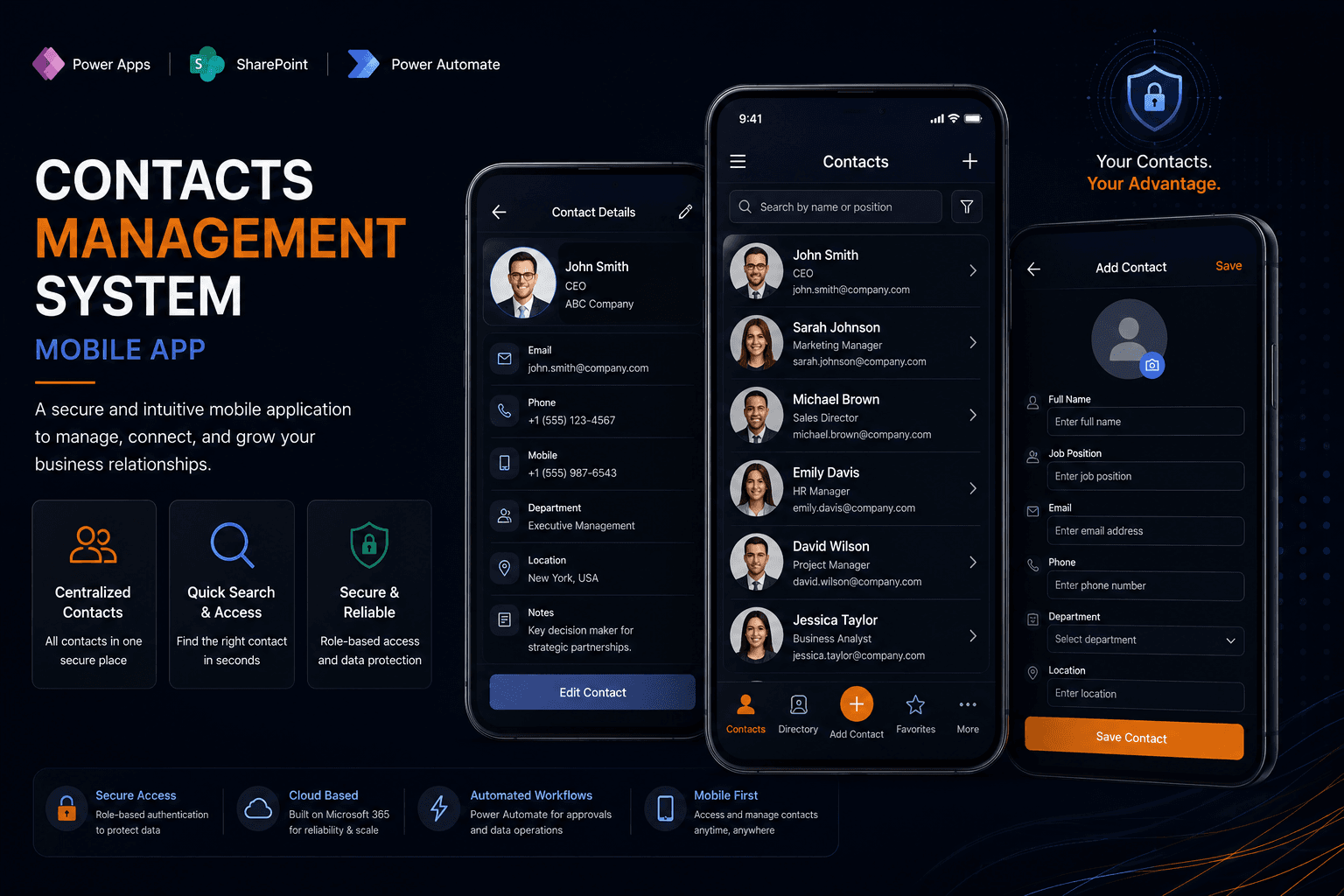
The application provides a centralized contact directory where users can search, create, view, edit, and delete contacts through an intuitive interface. Advanced search functionality allows users to locate contacts quickly based on names and job positions.
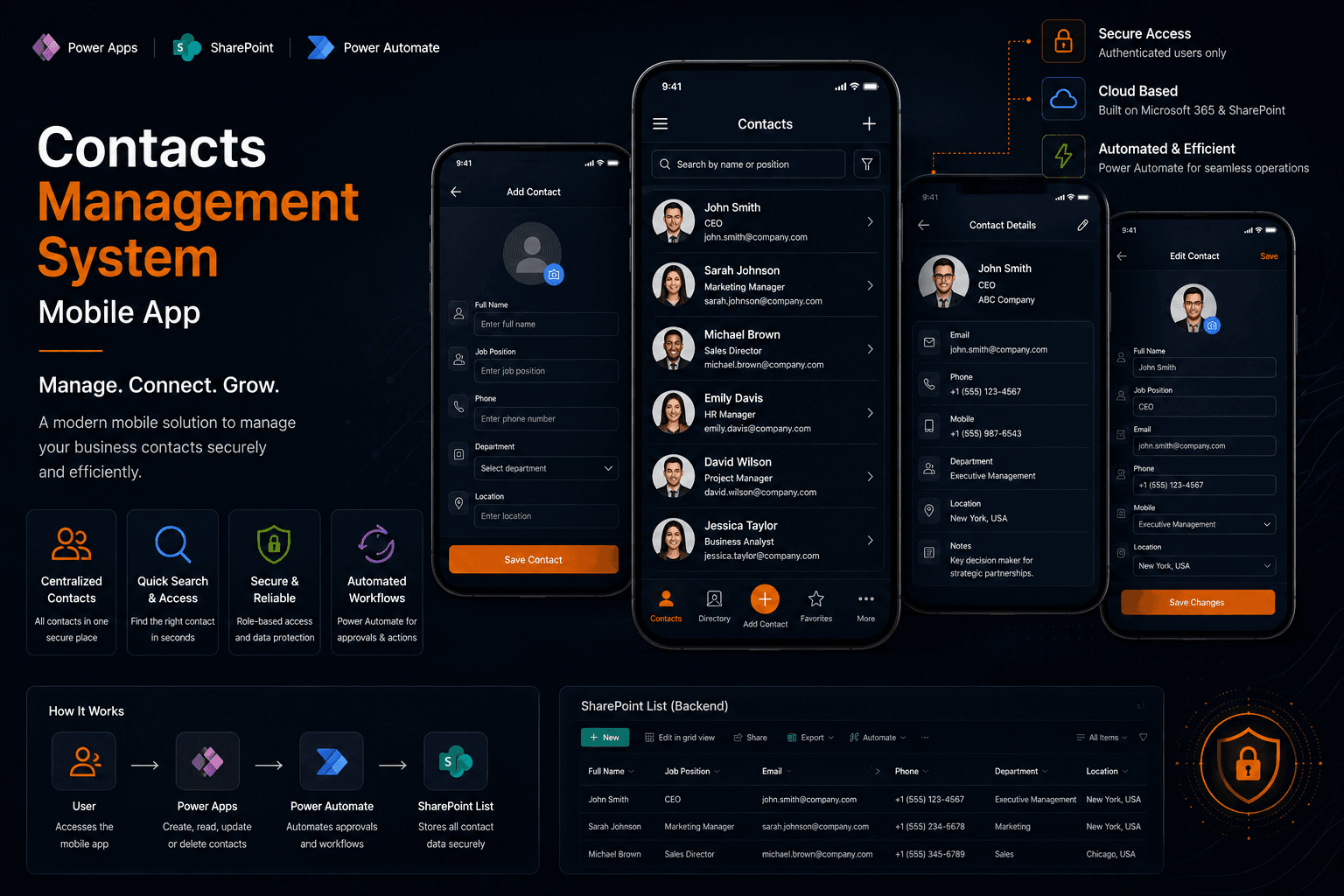
SharePoint was implemented as the secure backend repository for storing contact information, while Power Automate streamlined business processes and data operations. Authentication controls ensure only authorized users can access company contact records.
A unified mobile contact manager built in weeks.
Explore the Solution Through visuals
Delivering Measurable Business Outcomes
The Contacts Management System significantly simplified how the client manages and accesses business contacts across the organization.
Employees can now quickly locate contact information, create new records, update existing contacts, and maintain a centralized repository through a secure mobile application. The solution eliminated manual record management processes and improved operational efficiency.
By leveraging Microsoft Power Platform technologies, the client gained a scalable and secure foundation for contact management while reducing administrative overhead and improving data accessibility. The platform also creates opportunities for future integration with CRM and business productivity systems.
The numbers behind the rollout.
The Power Platform and SharePoint integration layer.
Other engagements worth a look.
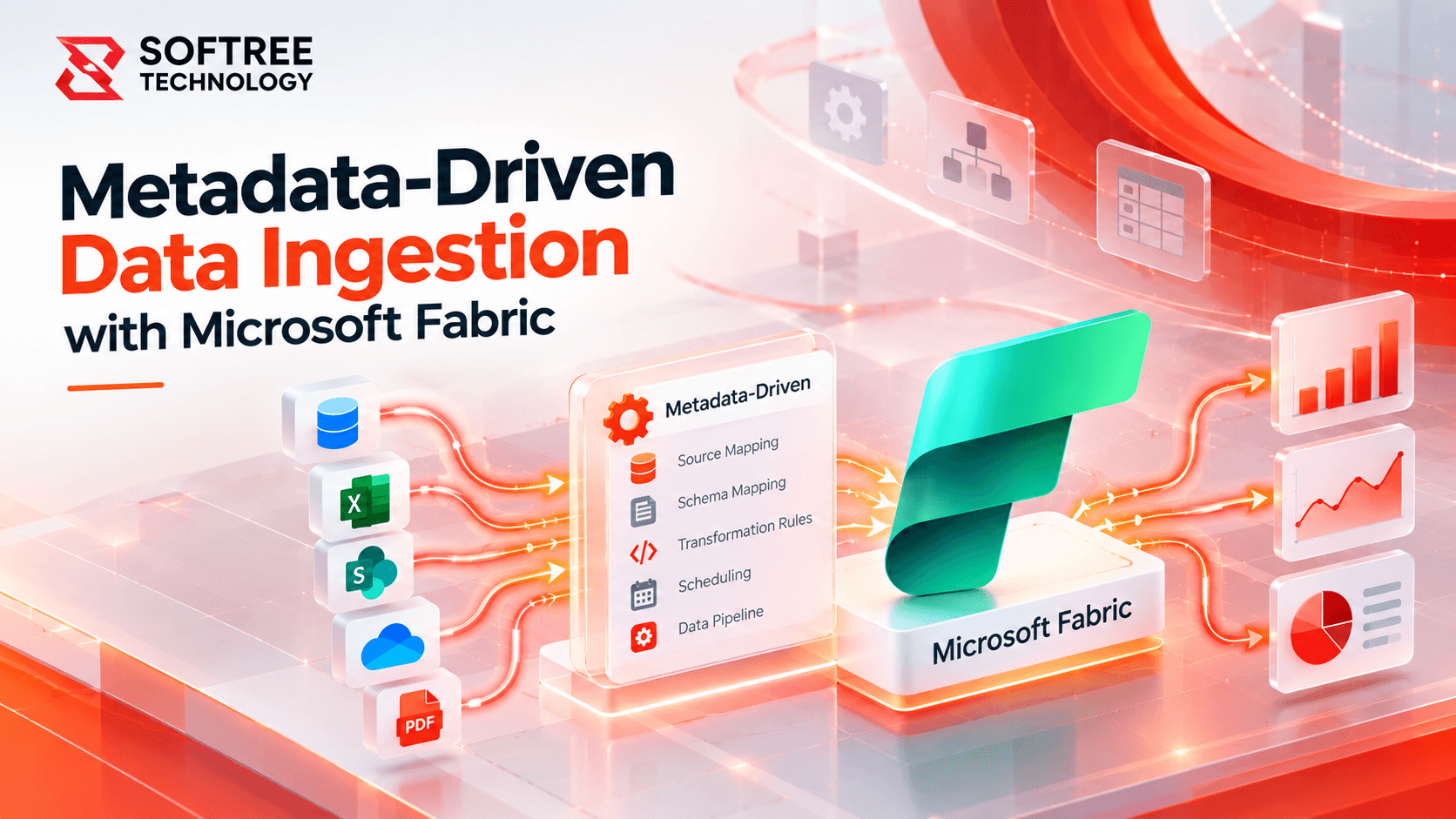
Metadata-Driven Data Ingestion with Microsoft Fabric
A U.S. based SaaS company replaced dataset-specific ETL pipelines with a reusable Microsoft Fabric ingestion framework for hundreds of tables.
Read case study→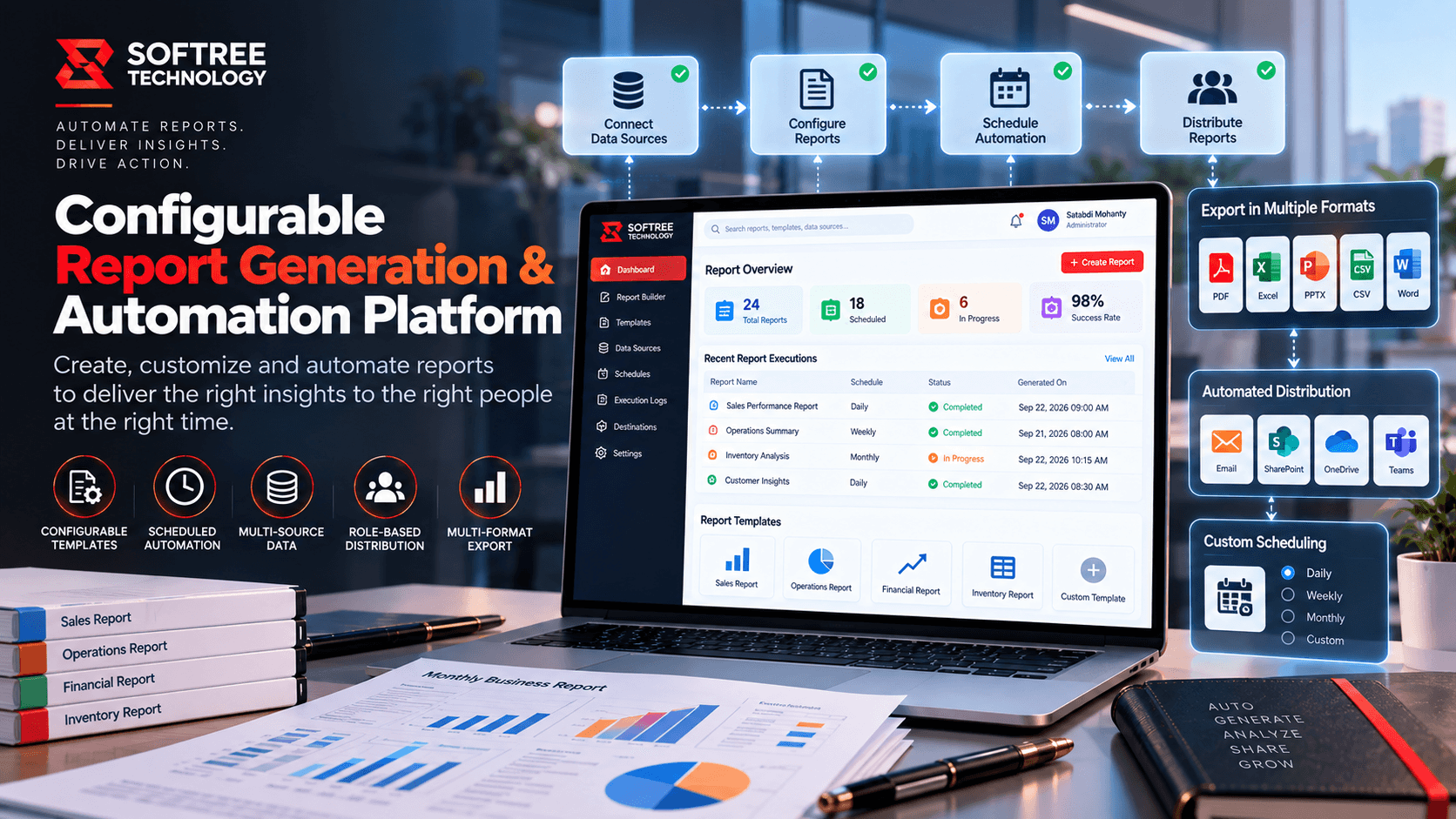
Configurable Report Generation & Automation Platform
Streamline professional report creation with configurable templates, automated workflows, AI-assisted content generation, human review, and Word document automation.
Read case study→
AI-Powered Shipment Delay Prediction Platform
Building an AI-Powered Shipment Delay Prediction Platform That Reduced Delivery Delays by 34% with Real-Time Predictive Analytics
Read case study→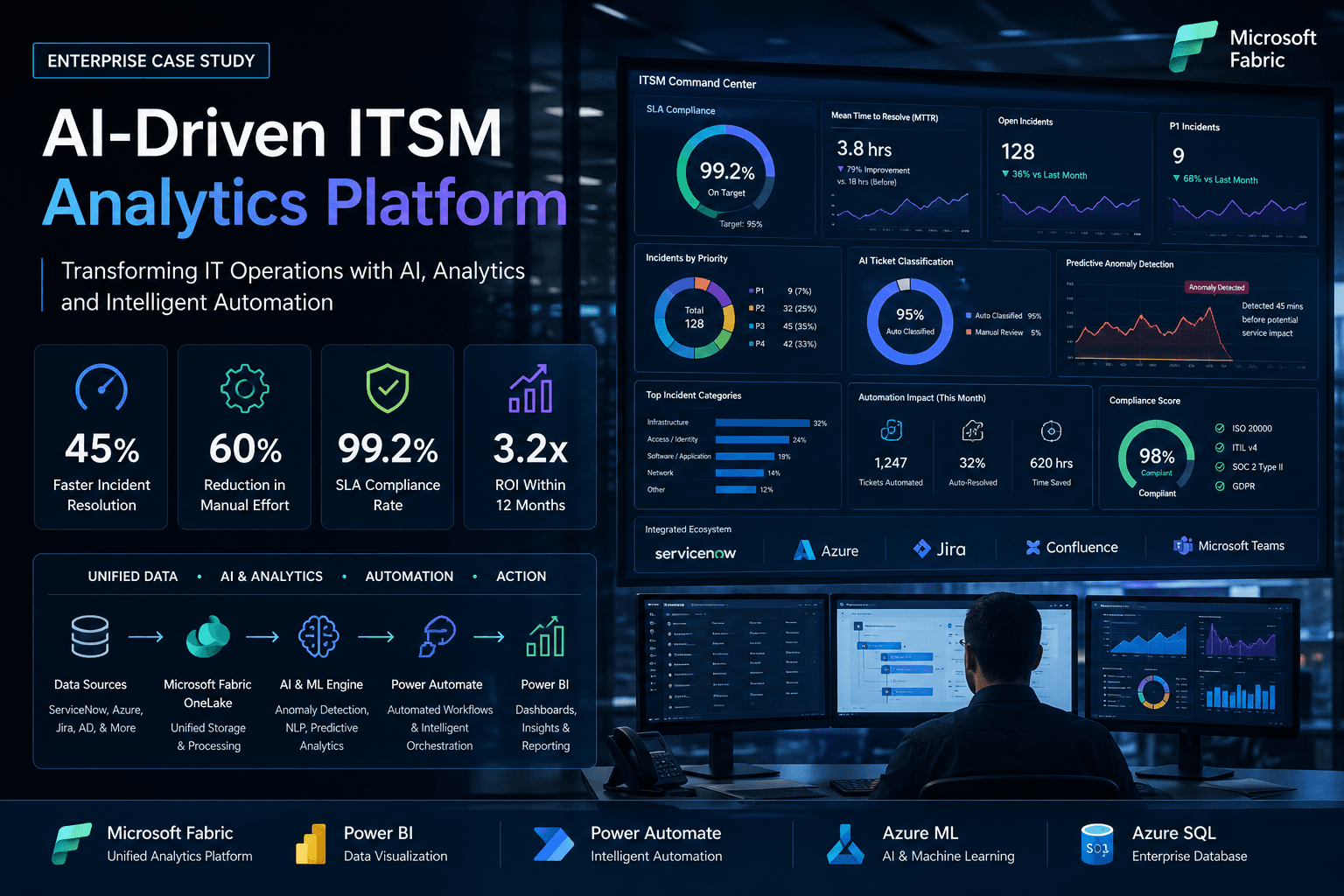
AI-Powered IT Service Management (ITSM) Analytics Platform
Global enterprise unified ITSM operations with Microsoft Fabric and AI, reducing incident resolution time by 79% and achieving 99.2% SLA compliance.
Read case study→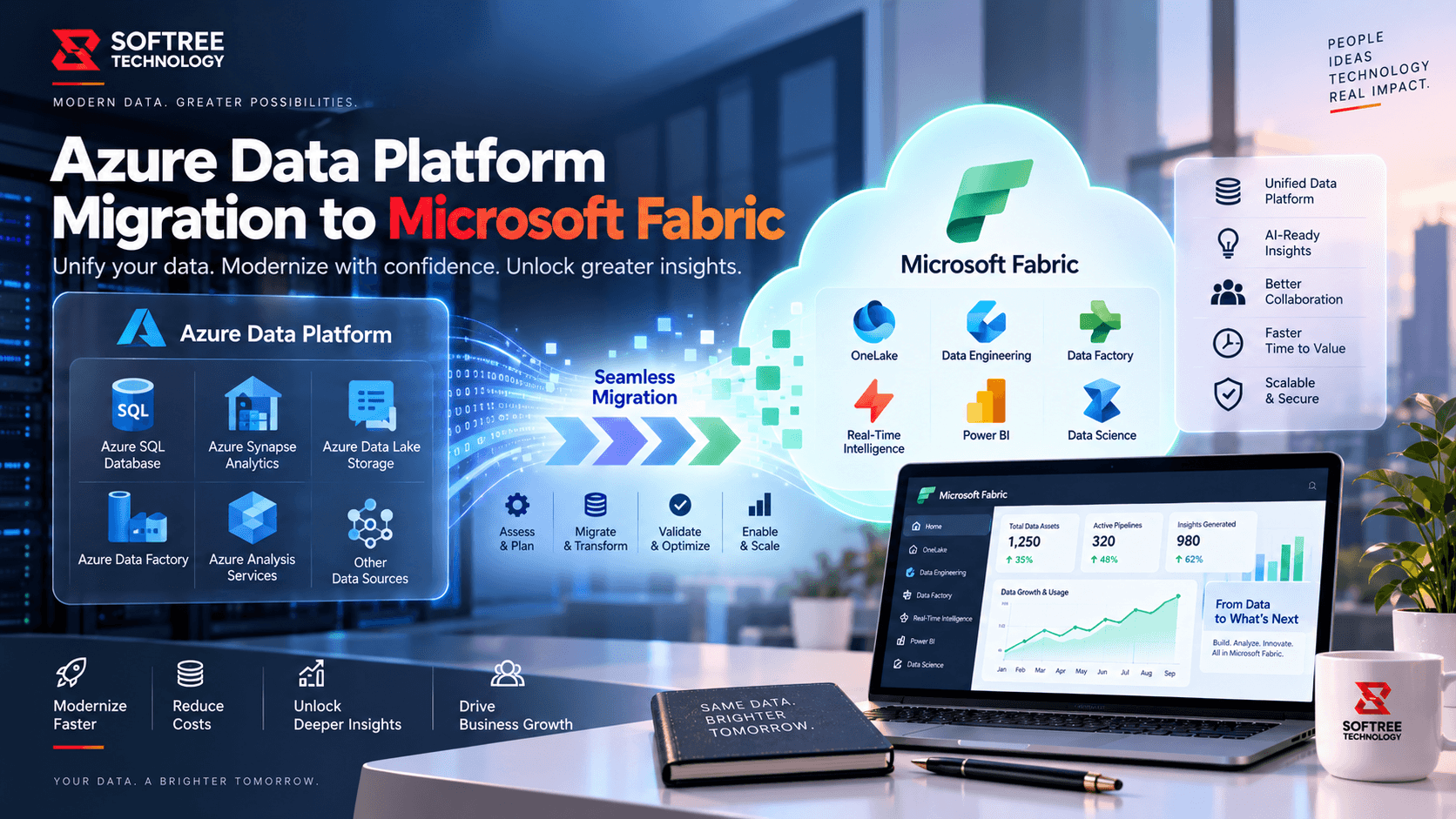
Azure Data Platform Migration to Microsoft Fabric
Modernize Azure data platforms with Microsoft Fabric, OneLake, and Power BI to create a unified, governed, and scalable analytics foundation.
Read case study→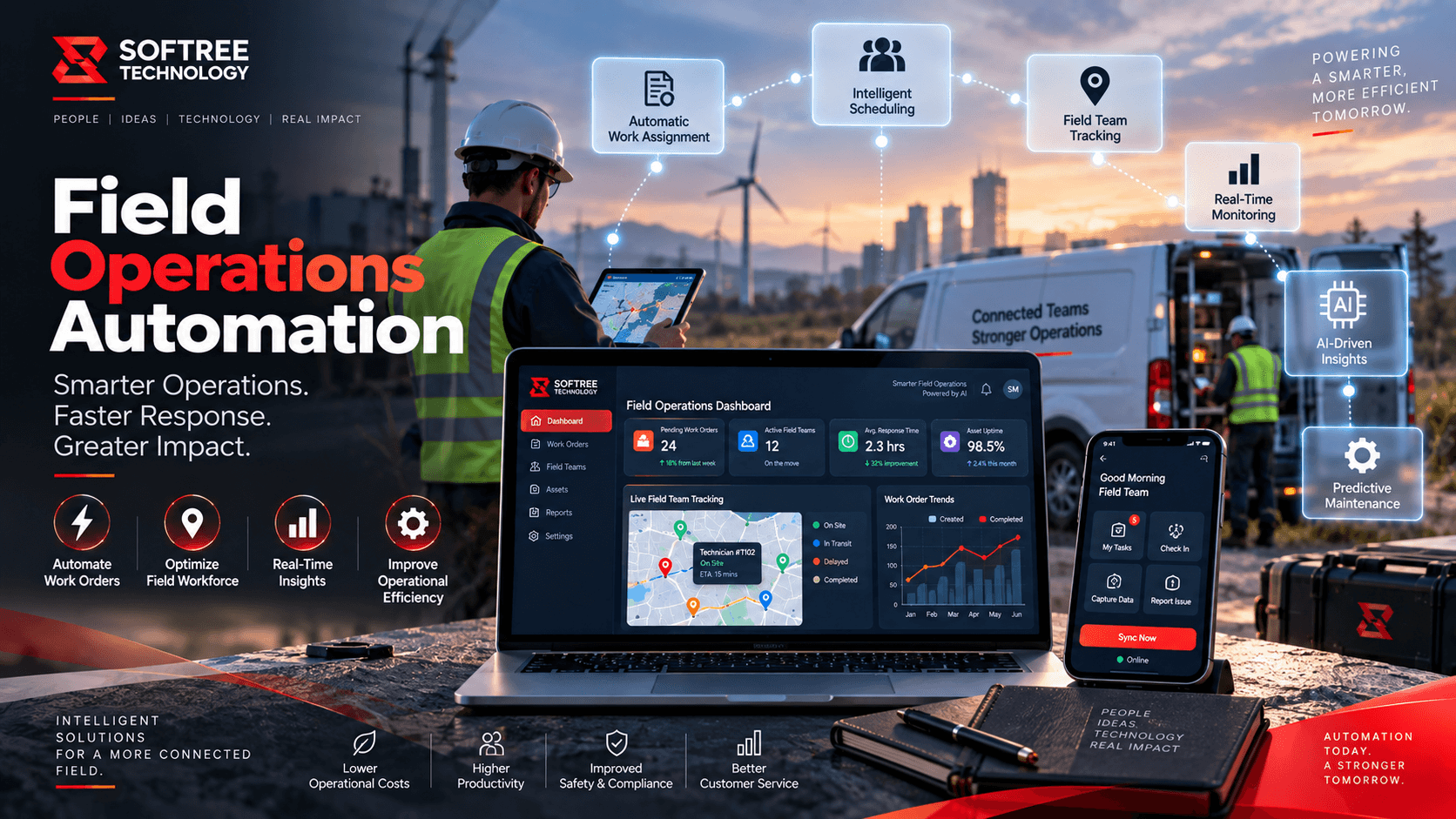
Field Operations Document Submission & Tracking Automation
Centralized document submission and tracking automation using Power Apps, Power Automate, SharePoint, and AI Builder to streamline field operations.
Read case study→Frequently asked questions.
Let's Start a Conversation

Extend Your Engineering Capacity.
Not Your Hiring Complexity.
Build, scale and deliver more with an engineering partner that works as an extension of your team.
What we offer
- Agentic AI & Automation
- Web Application Development
- Power Platform & SharePoint
- Data Engineering & Power BI
- Mobile App Development
HOW WE CAN EXTEND YOUR TEAM
AI ENGINEERING
- Agentic AI
- AI Automation
- RAG
MICROSOFT
- Azure
- Fabric
- Power Platform
QUALITY ENGINEERING
- AI Testing
- Security Testing
- Automation Testing
SOFTWARE ENGINEERING
- React / Next.js
- Node.js / Python
- FastAPI
CLOUD & DATA
- Azure / AWS
- Data Engineering
- DevOps
Got a question, challenge, or idea?
Fill out the form or pick a time on our scheduler:
30-min discovery call
Same Calendly as our booking page · instant invite
11th Floor, Prestige Tech Park, Platina 2 · Outer Ring Rd, Kadubeesanahalli, Bengaluru 560087
PLOT 5C/1283, SECTOR-10, CDA, Cuttack, Odisha 753014, India