Introduction
In today's digital-first world, your website is often the first interaction customers have with your business. If your website is slow, outdated, difficult to navigate, or lacks modern functionality, it can negatively impact customer trust and business growth.
Many organizations continue to rely on legacy websites that struggle to meet current user expectations and technological standards. These websites often suffer from poor performance, security vulnerabilities, and limited scalability.
In this article, you'll learn what website modernization is, why it matters, how the modernization process works, key benefits, best practices, common mistakes to avoid, and how modern technologies can help future-proof your digital presence.
Quick Answer
Website modernization is the process of upgrading outdated websites by improving their architecture, design, performance, security, and functionality using modern technologies and development practices. It helps businesses enhance user experience, improve search rankings, increase conversions, and support long-term growth.
Table of Contents
- What is Website Modernization?
- Why is Website Modernization Important?
- How Does Website Modernization Work?
- Key Features and Components
- Benefits of Website Modernization
- Common Use Cases
- Best Practices
- Common Mistakes to Avoid
- Comparison: Legacy Website vs Modern Website
- Frequently Asked Questions
- Key Takeaways
- Conclusion
What is Website Modernization?
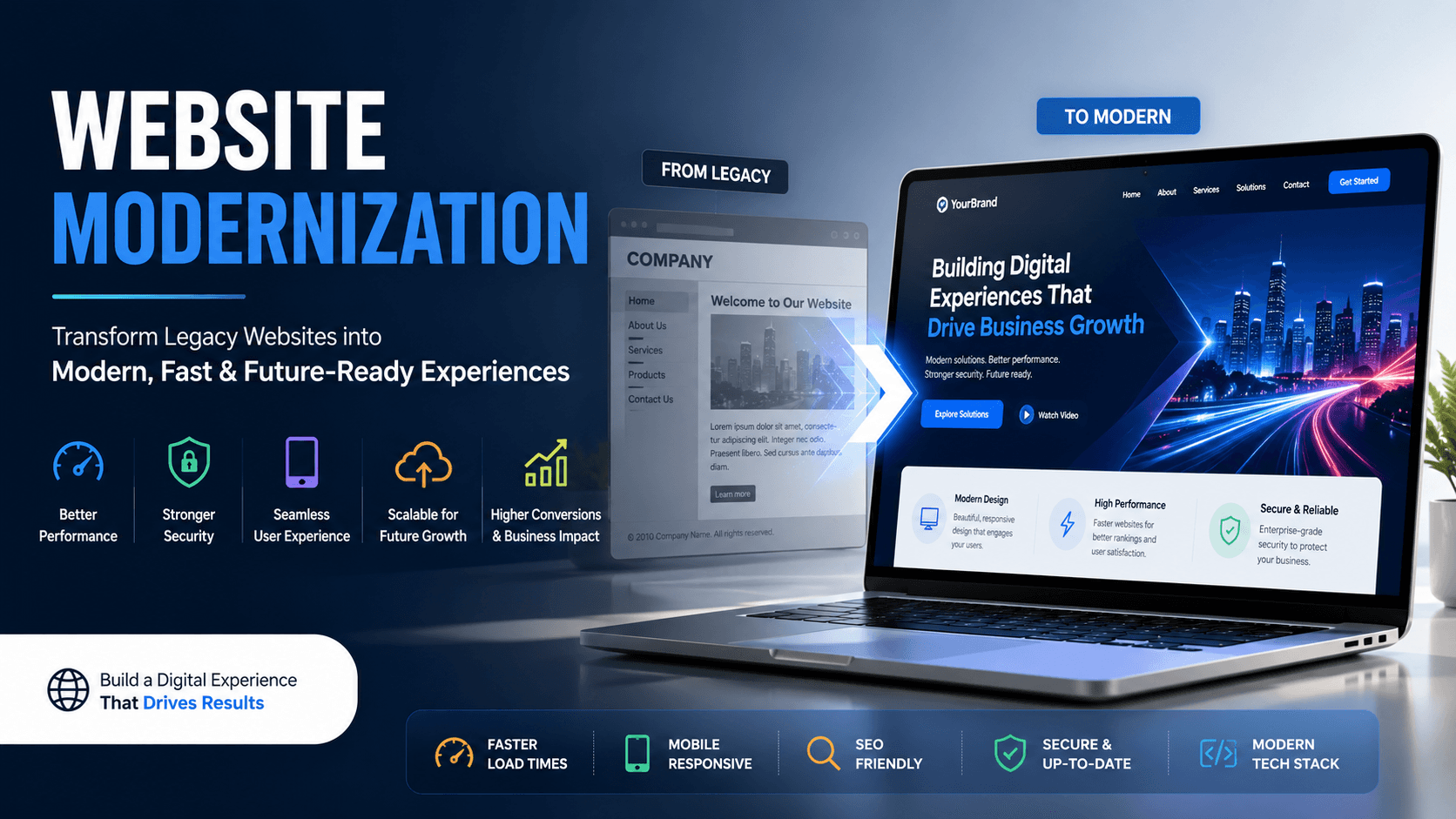
Website modernization is the process of transforming an outdated website into a modern, scalable, secure, and high-performing digital platform.
This may involve:
- Redesigning the user interface
- Migrating to modern frameworks
- Improving website speed
- Enhancing security
- Optimizing mobile responsiveness
- Integrating advanced functionality and APIs
The goal is to create a website that aligns with current business objectives and user expectations.
Why is Website Modernization Important?
Business Impact
An outdated website can reduce customer engagement, lower search engine rankings, and negatively impact revenue generation.
Challenges Solved
Website modernization addresses:
- Slow loading speeds
- Poor mobile experience
- Security vulnerabilities
- Limited scalability
- Outdated technology stacks
- High maintenance costs
Benefits
Modern websites help organizations:
- Improve customer satisfaction
- Increase conversion rates
- Strengthen brand credibility
- Support business growth
- Reduce operational risks
How Does Website Modernization Work?
Step 1: Assessment and Planning
Evaluate the current website's performance, architecture, user experience, security, and business requirements.
Step 2: Technology Selection
Choose modern technologies such as:
- React.js
- Next.js
- ASP.NET Core
- Node.js
- Headless CMS platforms
- Cloud infrastructure
Step 3: Design and Development
Create responsive user interfaces, optimize content structures, and develop modern functionality.
Step 4: Testing and Optimization
Perform:
- Performance testing
- Security testing
- Accessibility validation
- Cross-browser testing
Step 5: Deployment and Monitoring
Launch the modernized website and continuously monitor performance, security, and user behavior.
Diagram / Visual
Legacy Website → Assessment → Modern Architecture → Development → Testing → Deployment → Continuous Optimization
Key Features / Components
Responsive Design
Ensures seamless experiences across desktops, tablets, and mobile devices.
Performance Optimization
Improves page speed through code optimization, caching, image compression, and CDN implementation.
Enhanced Security
Includes SSL encryption, secure authentication, regular updates, and vulnerability protection.
Scalable Architecture
Supports future business growth and evolving user demands.
SEO Optimization
Improves search engine visibility and organic traffic.
Benefits of Website Modernization
Improved User Experience
Modern interfaces provide intuitive navigation and faster interactions.
Better Performance
Reduced page load times increase engagement and retention.
Enhanced Security
Protects business and customer data from evolving cyber threats.
Increased Conversion Rates
Optimized user journeys encourage visitors to take desired actions.
Future Scalability
Allows businesses to expand functionality without rebuilding systems.
Common Use Cases
E-Commerce Website Modernization
Upgrade online stores to improve performance, customer experience, and sales.
Corporate Website Transformation
Refresh branding, improve content management, and strengthen online presence.
Legacy Application Migration
Replace outdated systems with modern web technologies and cloud platforms.
Customer Portal Modernization
Create secure, user-friendly portals for customers and partners.
Best Practices
- Conduct a thorough website audit before modernization.
- Prioritize user experience and mobile responsiveness.
- Implement modern security standards.
- Optimize website performance continuously.
- Use scalable and maintainable technologies.
- Follow SEO best practices during migration.
- Test extensively before deployment.
Common Mistakes to Avoid
Ignoring User Experience
Focusing only on technology while neglecting user needs can reduce adoption.
Skipping Performance Optimization
Modern designs without performance improvements can still frustrate users.
Lack of Migration Planning
Poor planning can result in downtime, broken functionality, and data loss.
Overcomplicating Architecture
Unnecessary complexity increases maintenance and development costs.
Key Takeaways
- Website modernization transforms outdated websites into modern digital platforms.
- It improves performance, security, scalability, and user experience.
- Modern websites contribute directly to business growth and customer satisfaction.
- Careful planning and execution are essential for successful modernization.
- Investing in modernization helps future-proof your digital presence.
Conclusion
Website modernization is no longer optional for businesses that want to remain competitive in an increasingly digital marketplace. Modern users expect fast, secure, responsive, and engaging online experiences. Organizations that continue to rely on outdated websites risk losing customers, reducing operational efficiency, and falling behind competitors.
By adopting modern technologies, optimizing performance, enhancing security, and focusing on user experience, businesses can create a digital foundation that supports growth for years to come.
If your website is showing signs of age, now is the right time to invest in website modernization and unlock new opportunities for innovation, engagement, and business success.
Ready to modernize your website?
Contact Softree Technology today and discover how our website modernization experts can help transform your digital presence. Visit https://www.softreetechnology.com/