Quick Answer
AI-powered performance testing combines traditional load and stress testing with AI-assisted analysis. It can examine metrics such as response time, throughput, CPU utilization, memory consumption, database performance, API latency, network traffic, error rates, and concurrent users to identify relationships that may indicate future performance problems.
The goal is not to replace performance engineers. Instead, AI can reduce repetitive analysis, prioritize potential bottlenecks, and help QA teams focus their expertise on validating findings and improving application performance.
Why Traditional Performance Testing Is Not Always Enough
Traditional performance testing generally follows a structured process: define performance requirements, create load and stress scenarios, execute tests with different user loads, collect performance metrics, analyze results, identify bottlenecks, fix the application, and repeat the tests.
This approach remains essential, but manual analysis becomes increasingly difficult as applications and testing environments grow more complex. A single test can generate thousands of measurements across response time, throughput, CPU, memory, database queries, API latency, network traffic, error rates, and concurrent users. Performance engineers may need to correlate all of these metrics to determine why an application becomes slow.
AI can assist by analyzing these relationships automatically and highlighting patterns that may not be immediately visible through manual analysis.
How AI-Powered Performance Testing Works
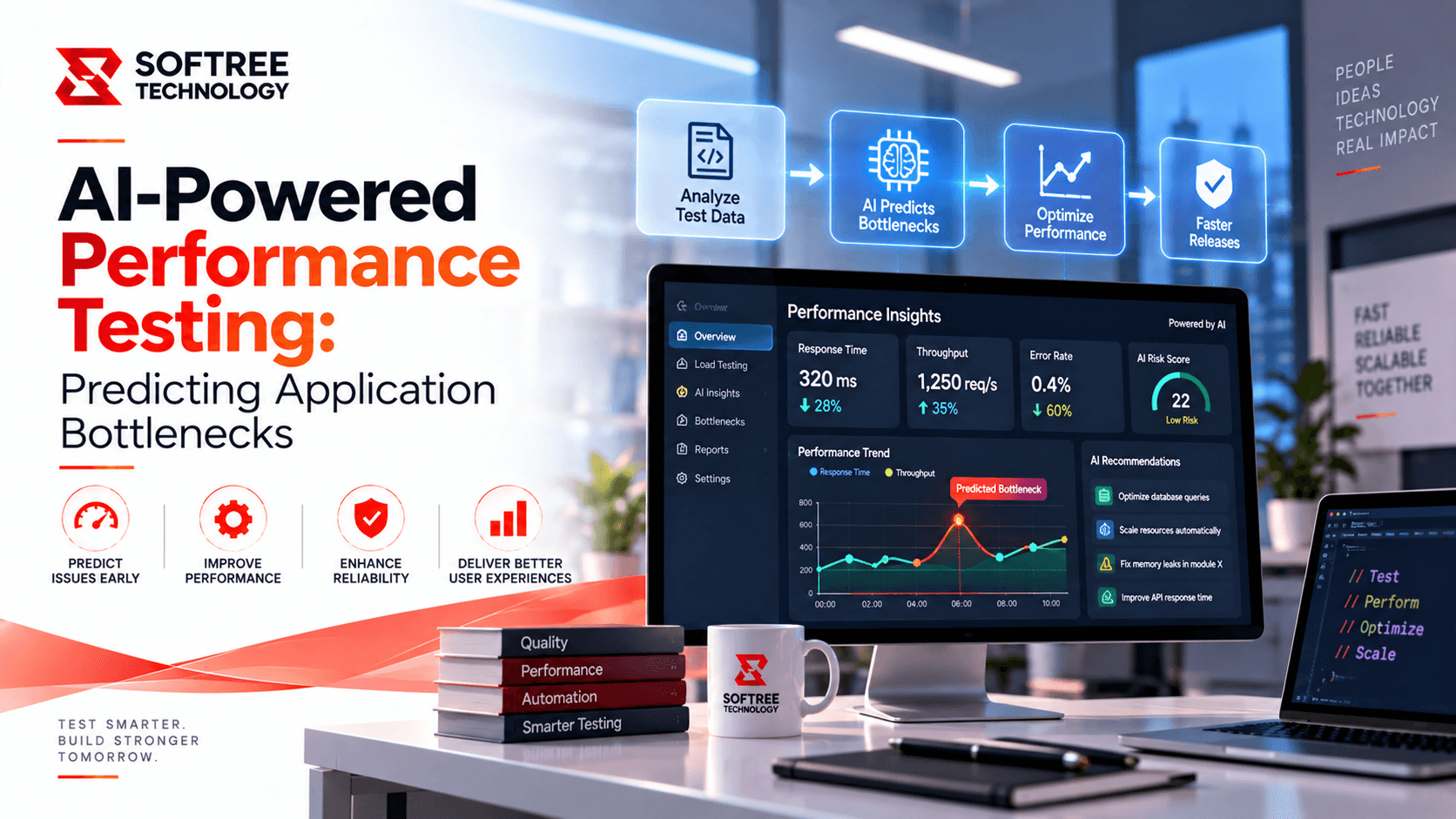
AI-powered performance testing combines performance testing tools, application telemetry, monitoring data, and machine-learning techniques. A typical workflow moves from performance testing and monitoring data to AI analysis, bottleneck detection, prediction, and QA action.
For example, an application may show gradually increasing response times whenever concurrent users exceed a certain threshold while database CPU utilization rises sharply. Rather than simply reporting that response time increased, an AI-assisted system can identify the relationship between user load, database utilization, and application response time.
This correlation can help QA and engineering teams investigate the underlying cause more efficiently.
What AI Can Detect in Performance Testing
Application Bottlenecks
AI can identify application components that consistently contribute to poor performance. Potential bottlenecks can include slow APIs, inefficient database queries, application servers, external services, network calls, memory-intensive processes, and inefficient application logic.
By examining multiple performance signals together, AI can help teams prioritize which components deserve deeper investigation.
Performance Anomalies
AI can establish a baseline for normal application behavior and identify unusual deviations.
For example, if an API normally responds in around 300 milliseconds but suddenly reaches 1.8 seconds while error rates and database latency also increase, the system can flag the behavior as an anomaly for further investigation.
Resource Utilization Problems
Performance issues are often connected to infrastructure limitations. AI can analyze CPU, memory, disk usage, network utilization, database resources, and container utilization to help engineering teams understand whether an application is approaching its infrastructure limits.
Capacity Issues
AI can also analyze historical performance trends to estimate when an application may reach a capacity threshold.
For example, historical load patterns may indicate that significant response-time degradation could occur when concurrent users increase by approximately 30%. Identifying this trend early gives engineering teams an opportunity to investigate and optimize the system before production traffic reaches that level.
Predicting Performance Failures
One of the most valuable applications of AI in performance testing is predictive analysis.
Traditional performance testing primarily answers a question such as: Did the application fail under this load?
AI-assisted performance analysis can help teams move toward a different question: Based on historical behavior, where is the application likely to experience performance degradation next?
Consider performance data collected across several releases. As concurrent users increase from 500 to 3,000, API response time may increase from 250 milliseconds to 1.9 seconds, while CPU utilization rises from 45% to 91% and the error rate increases from 0.1% to 3.5%.
AI can analyze this trend and help identify the point at which performance degradation becomes significant. This information can support capacity planning, performance optimization, and release decisions.
AI-Powered Performance Testing Workflow
Define Performance Objectives
Performance testing should begin with measurable requirements. Examples include keeping API response time below 500 milliseconds, maintaining page load times below three seconds, keeping error rates below one percent, supporting 5,000 concurrent users, and maintaining stable performance during peak traffic.
AI does not replace these requirements. Instead, it helps analyze whether the application is meeting them and identify trends that could affect future performance.
Generate Performance Data
Performance data can be generated using tools such as JMeter, k6, Gatling, LoadRunner, Playwright, and application performance monitoring tools.
Tests should represent realistic user behavior and workload patterns rather than simply generating random traffic. Realistic scenarios provide more meaningful information for AI-assisted analysis.
Collect Application Telemetry
Performance information should be collected from multiple layers of the application.
Frontend telemetry can include page load time, JavaScript execution, and network requests. API data can include response time, throughput, and HTTP errors. Database telemetry can include query duration, connection usage, and CPU utilization. Infrastructure monitoring can provide information about CPU, memory, disk, and network usage.
Collecting data across these layers gives AI more context for identifying relationships between application behavior and infrastructure conditions.
Analyze Performance Data with AI
Once the data is collected, AI can analyze trends, correlations, anomalies, repeated failure patterns, performance degradation, and resource constraints.
This analysis can help transform large volumes of raw performance measurements into prioritized areas for QA and engineering investigation.
Validate Potential Bottlenecks
AI-generated findings should be treated as recommendations rather than unquestionable conclusions.
For example, if AI identifies database latency as a potential bottleneck, QA and engineering teams should validate database queries, indexes, connections, and application behavior before determining the actual root cause. Human validation remains an important part of the performance testing process.
Monitor Continuously
Performance testing should continue after an issue has been resolved. Historical data becomes increasingly valuable because AI can compare new application releases against previous behavior and identify emerging performance changes.
Example: E-Commerce Application
Consider an e-commerce application preparing for a major promotional event. The QA team performs load testing with increasing numbers of concurrent users.
During testing, AI-assisted analysis identifies increasing checkout response times, high database CPU utilization, increased payment-service latency, and higher error rates during peak load. Instead of requiring engineers to manually review thousands of individual measurements, the analysis highlights checkout and payment processing as areas requiring investigation.
The engineering team can then investigate checkout APIs, database queries, payment-service integrations, connection pools, and infrastructure capacity. After optimization, the same performance tests can be executed again to verify whether performance has improved.
How AI Supports QA Teams
AI does not eliminate the role of performance testers. Instead, it can reduce repetitive analytical work and allow QA engineers to spend more time on higher-value activities.
Performance QA engineers can use AI to analyze large datasets, identify unusual patterns, prioritize potential bottlenecks, compare application releases, generate performance summaries, identify recurring failures, and support capacity planning.
The QA engineer remains responsible for validating AI findings and determining whether a detected behavior represents an actual defect or an expected characteristic of the system.
Challenges of AI-Powered Performance Testing
Data Quality
AI analysis depends heavily on the quality of the underlying performance data. Incomplete, inconsistent, or poor-quality telemetry can lead to unreliable conclusions.
False Positives
An unusual metric does not automatically indicate a performance defect. For example, a temporary CPU increase could be expected during a scheduled background process. AI findings therefore require engineering validation.
Explainability
QA teams need to understand why a particular component has been identified as a potential bottleneck. Black-box recommendations can be difficult to validate and act upon.
Changing Application Behavior
Applications continuously evolve. A model trained on historical behavior may become less accurate after major architectural or infrastructure changes. AI analysis should therefore be continuously evaluated against current application behavior.
Security and Privacy
Performance telemetry can contain sensitive information. Logs, traces, API information, and user-related data must be handled securely throughout the performance testing and analytics process.
Best Practices
Organizations should establish clear performance baselines and use realistic workload models. Performance data should be collected from multiple application layers so that AI has sufficient context to identify relationships between application, database, API, and infrastructure behavior.
AI analysis should complement traditional performance testing rather than replace it. AI-generated findings should be manually validated, and performance trends should be monitored across multiple releases.
Organizations should also protect sensitive telemetry data, maintain measurable performance thresholds, and treat AI as a decision-support mechanism rather than a replacement for QA expertise.
The Future of AI-Powered Performance Testing
Performance testing is moving beyond simply identifying whether an application has failed. AI can help teams understand application behavior, recognize patterns, and predict where performance degradation could occur.
This represents a shift from reactive testing—asking why an application became slow—to predictive testing, where teams use current and historical behavior to identify where performance problems could emerge next.
As applications become increasingly distributed and performance telemetry continues to grow, AI-assisted analysis can become an important part of building reliable, scalable, and resilient software systems.
Conclusion
AI-powered performance testing provides QA and engineering teams with a smarter way to analyze application behavior. By combining traditional performance testing with AI-assisted anomaly detection, trend analysis, correlation, and predictive insights, organizations can identify potential bottlenecks earlier and make better-informed release and capacity decisions.
The strongest approach does not replace performance engineering expertise. It combines automated testing, high-quality telemetry, AI-assisted analysis, and human validation to create a more effective performance testing process.
As software systems become more complex, organizations can use AI to move performance testing from reactive problem identification toward proactive performance management, helping applications remain reliable, scalable, and responsive as workloads grow.